


















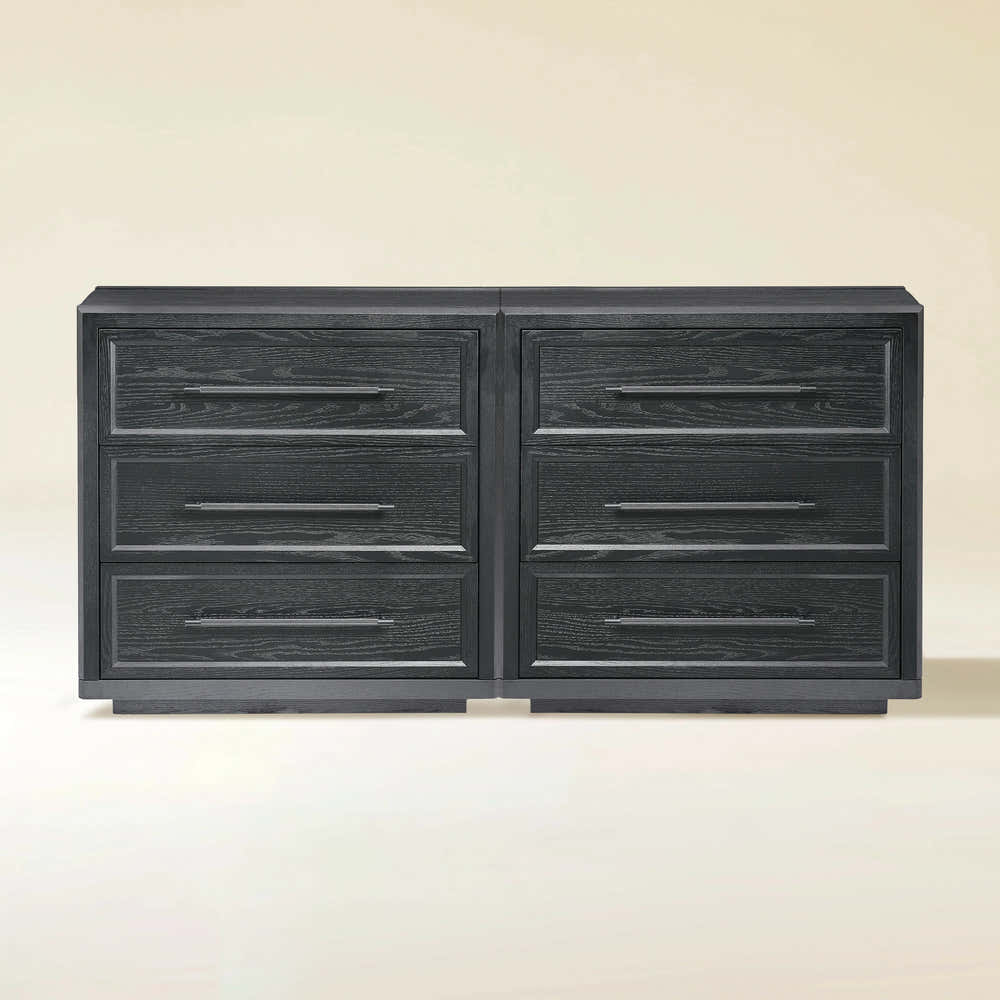


Alvar 61″ Oak 6-Drawer Chest(Set of 2)

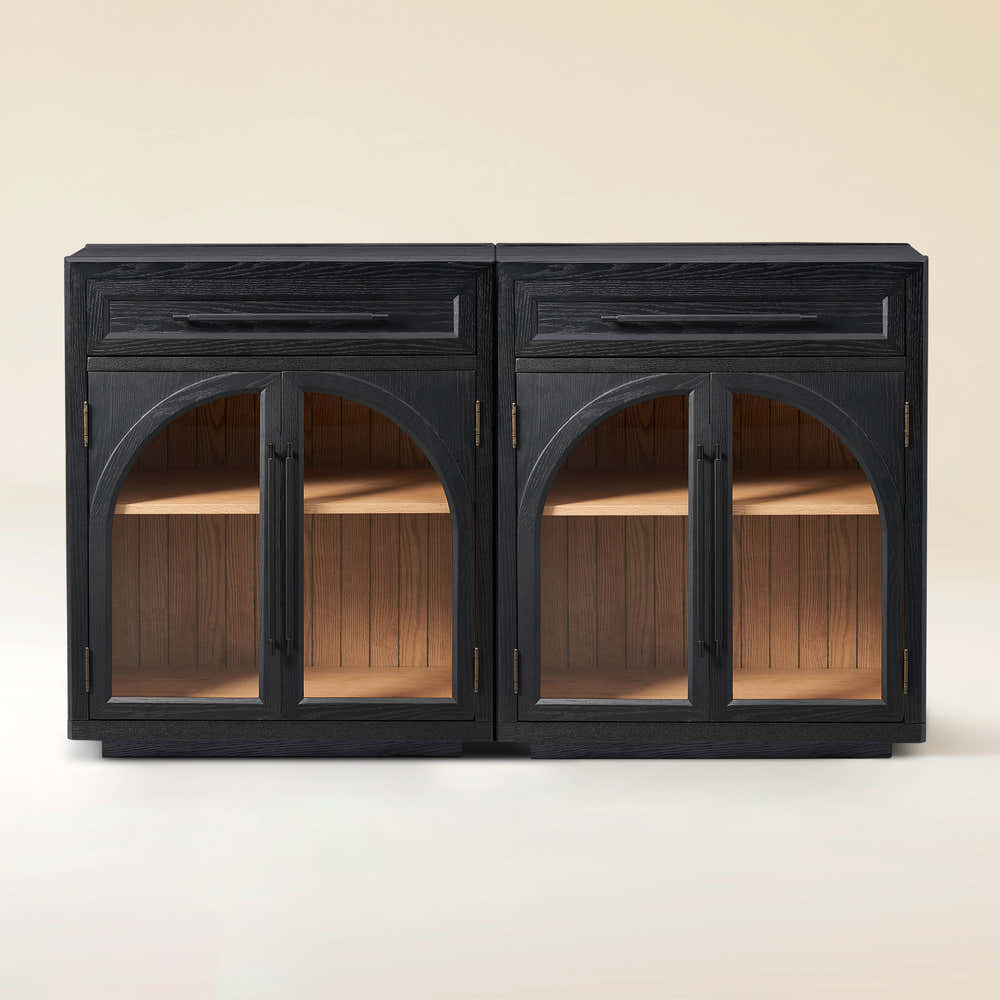


Alvar Arched 61" Oak Sideboard with Drawers(Set of 2)
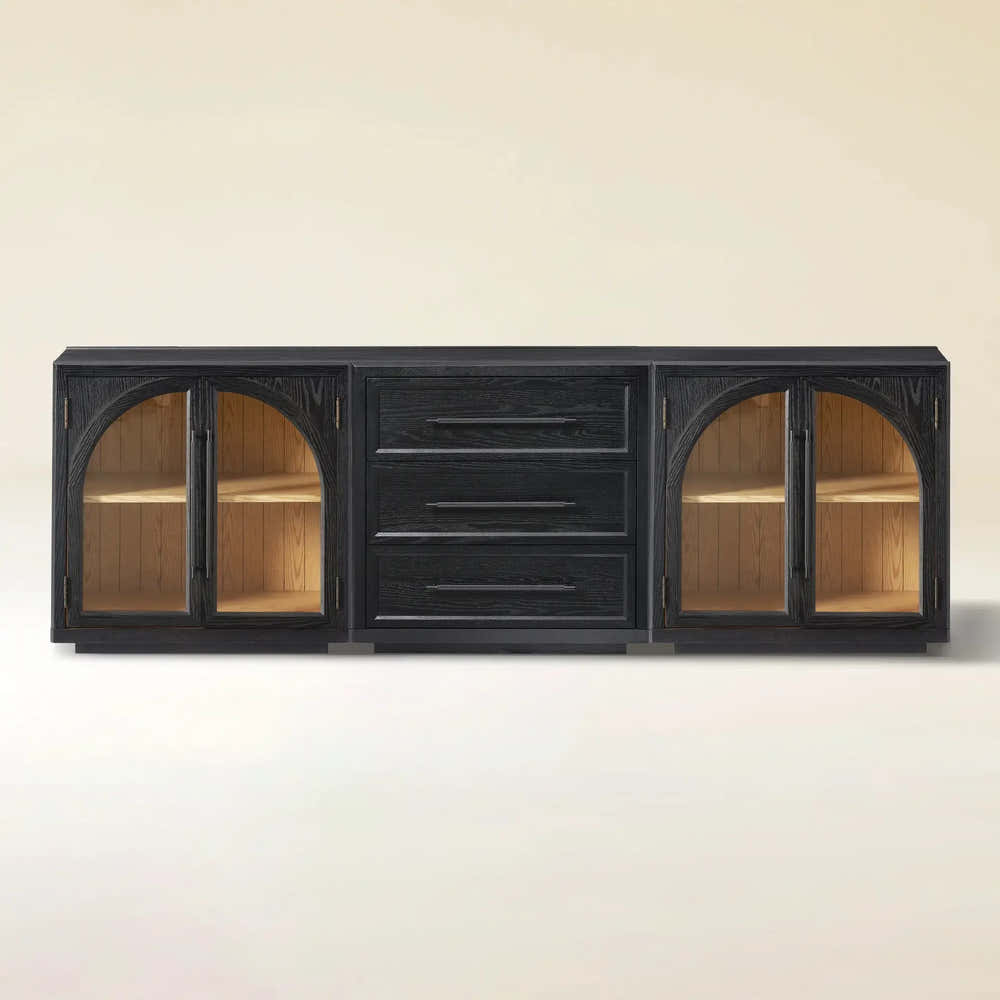


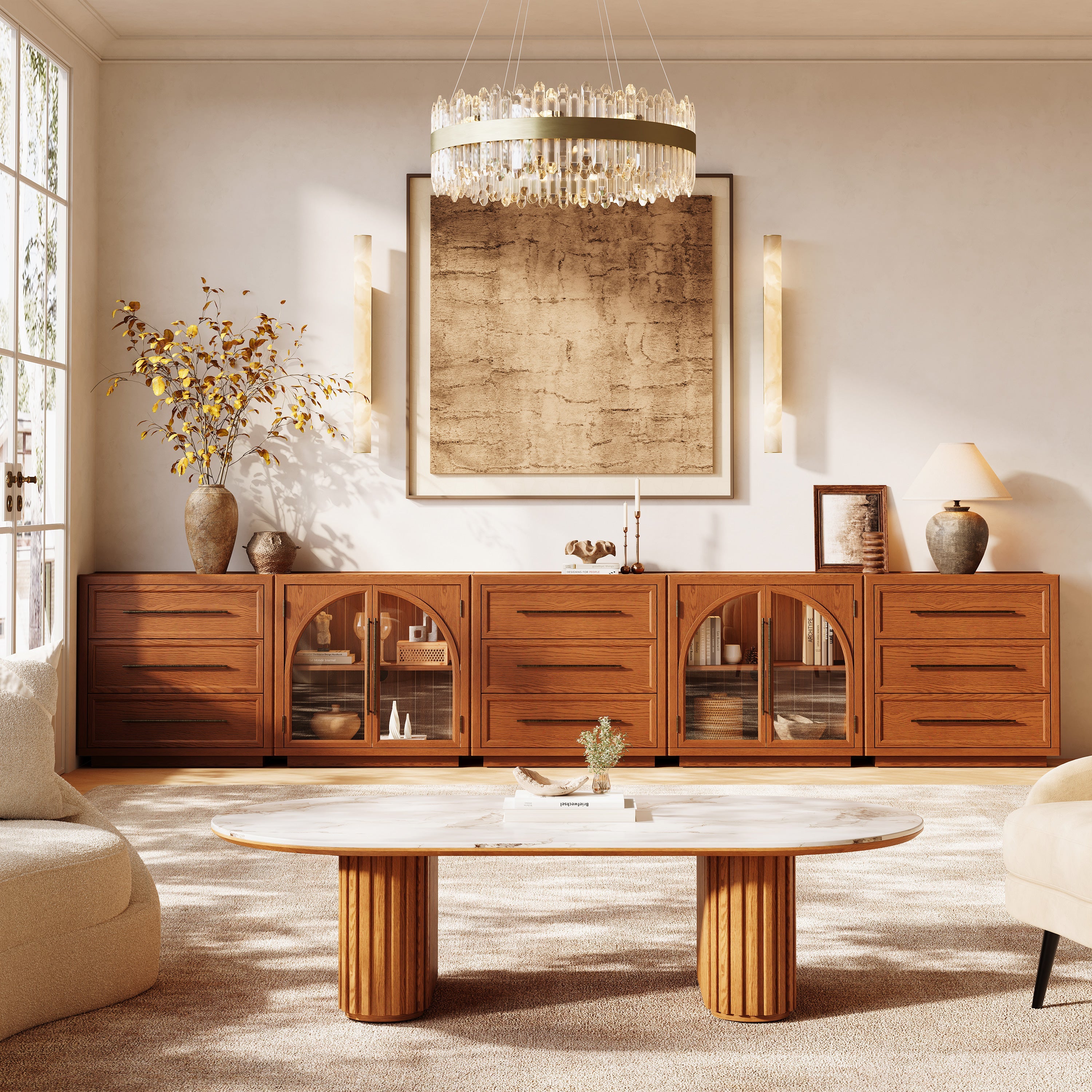
Alvar Arched 91″ Oak Modular Media Console(Set of 3)
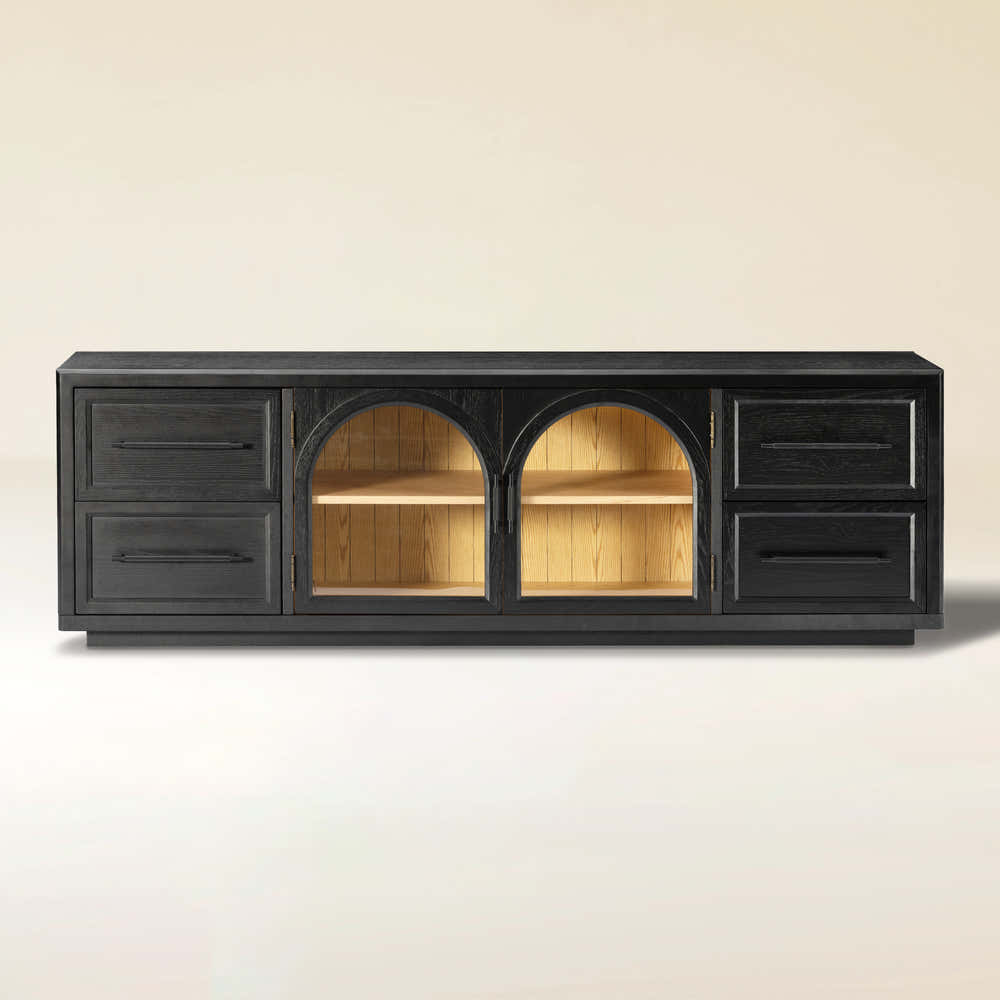
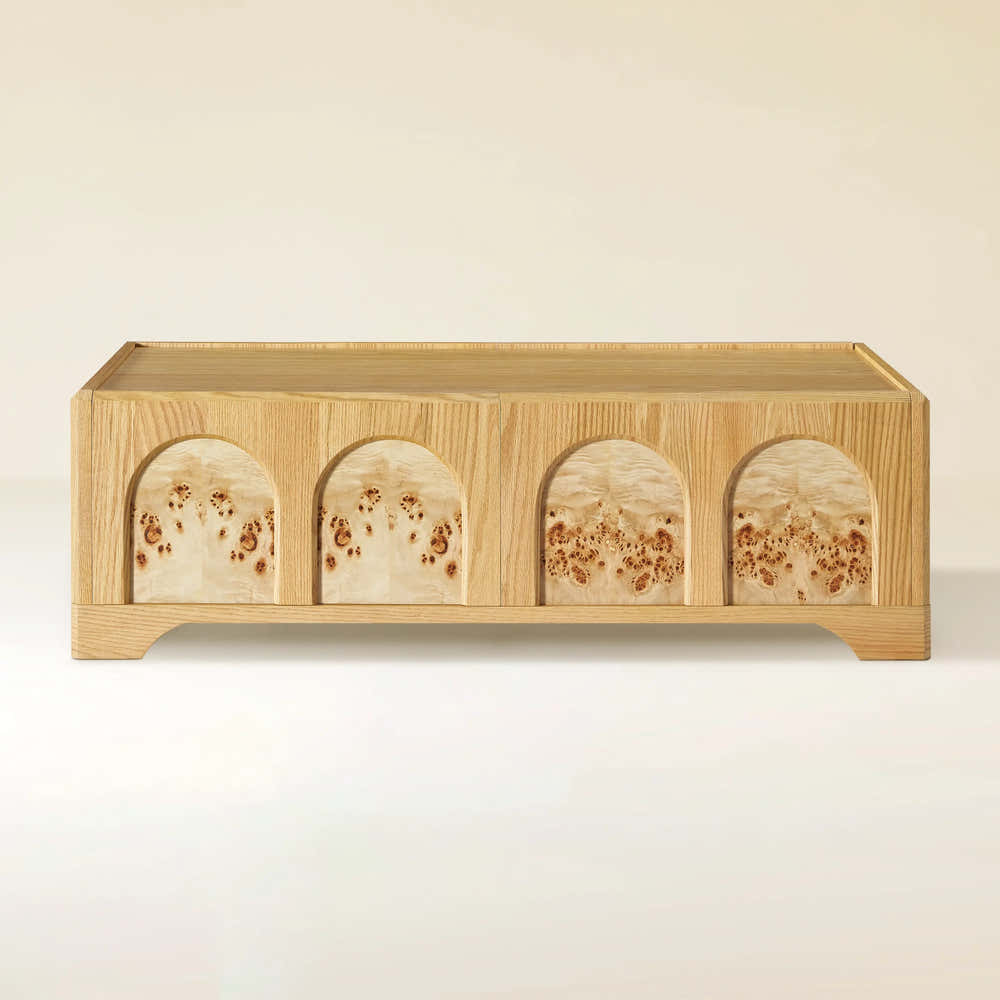
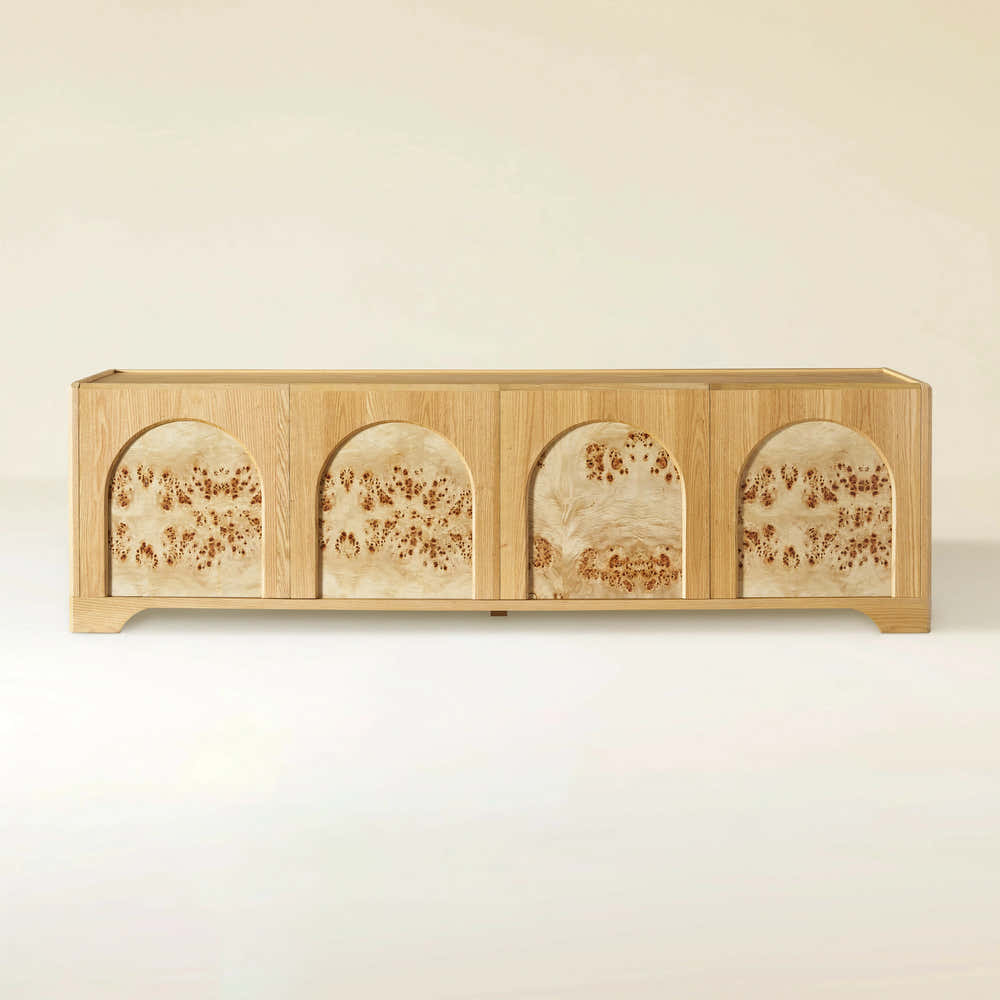
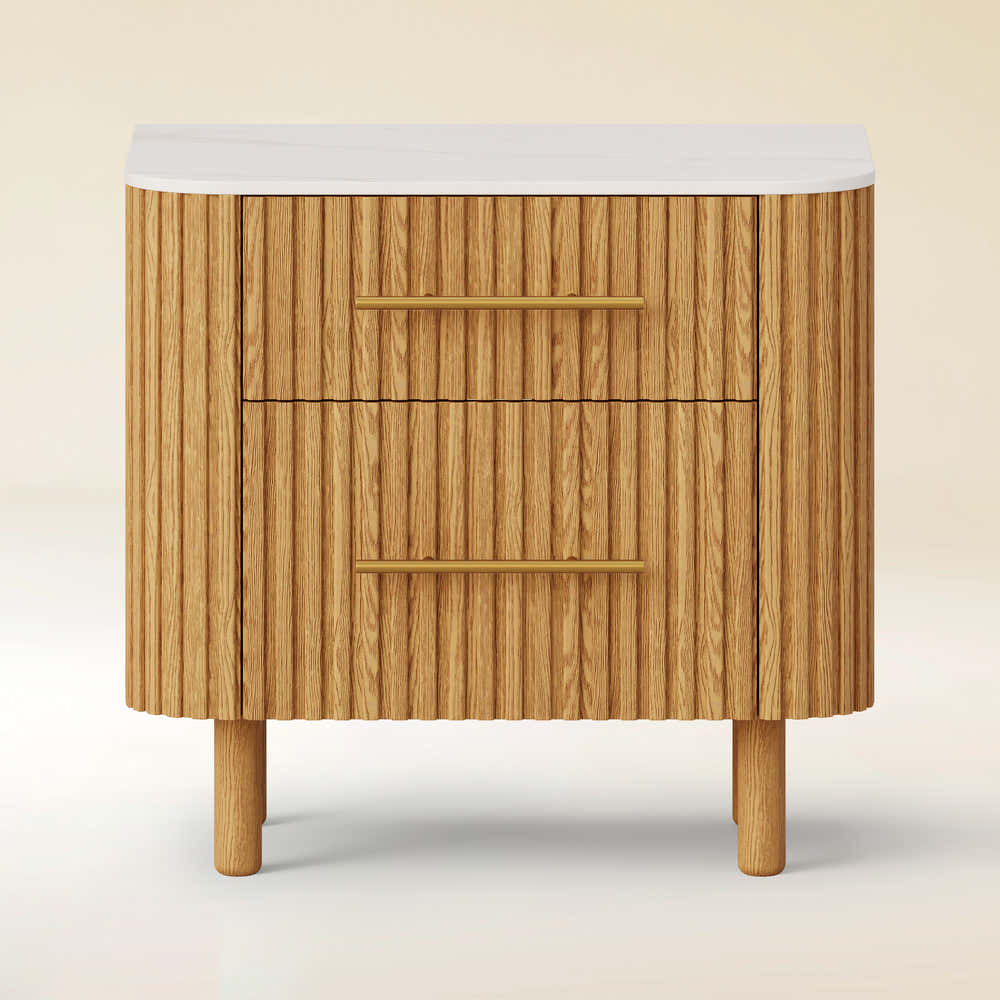
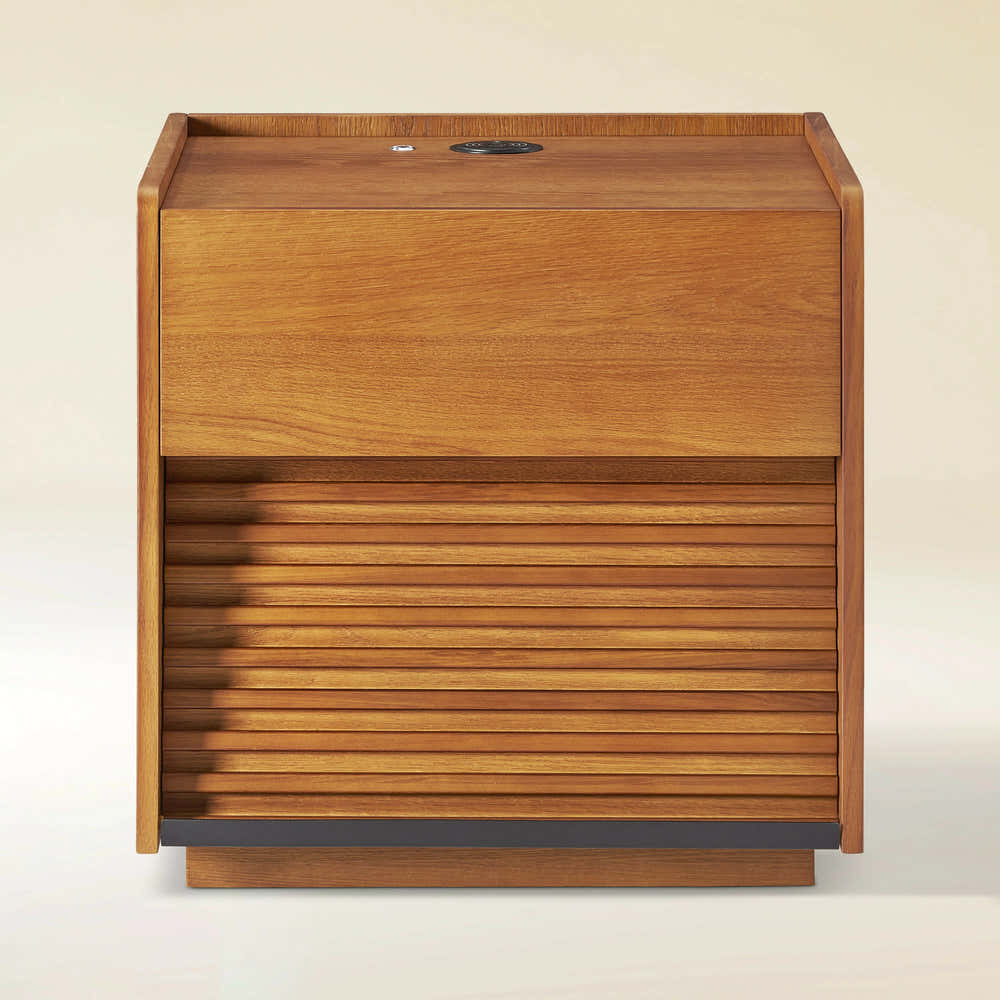
Charlie Sintered Stone Nightstand 26" W
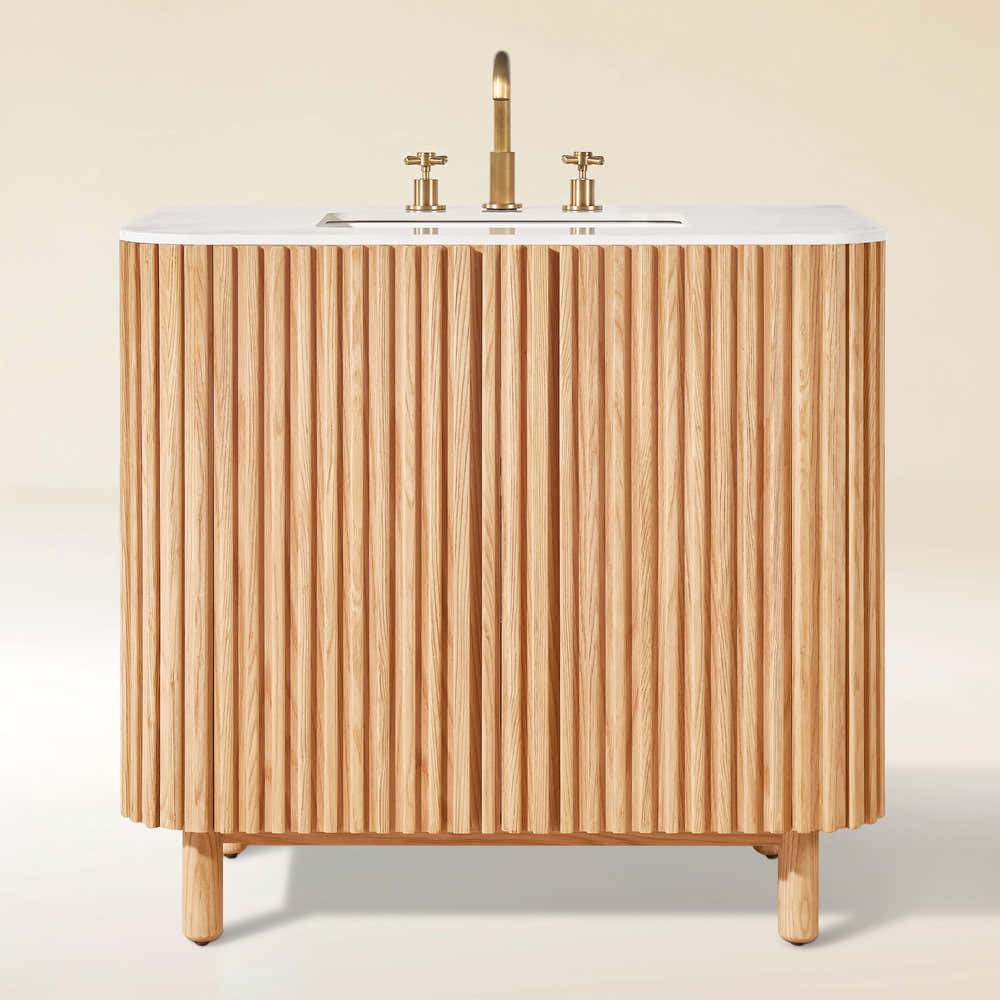
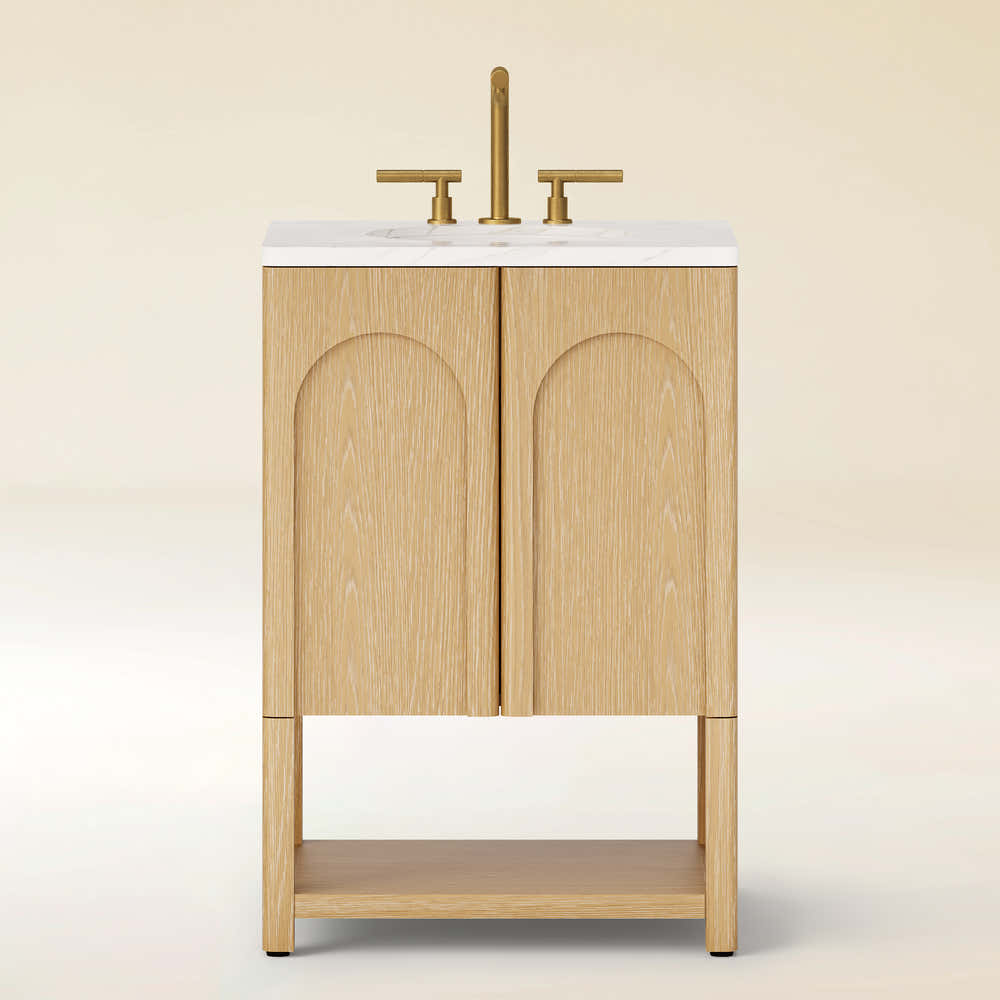
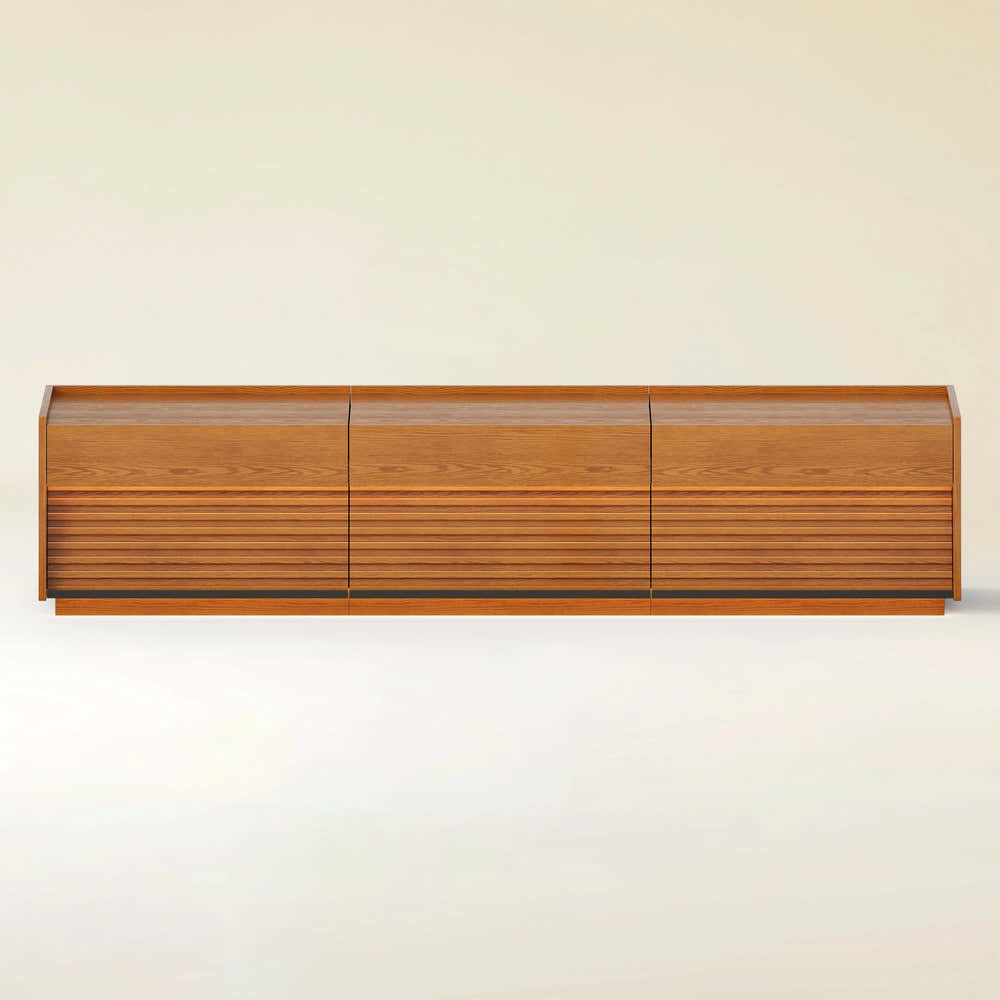
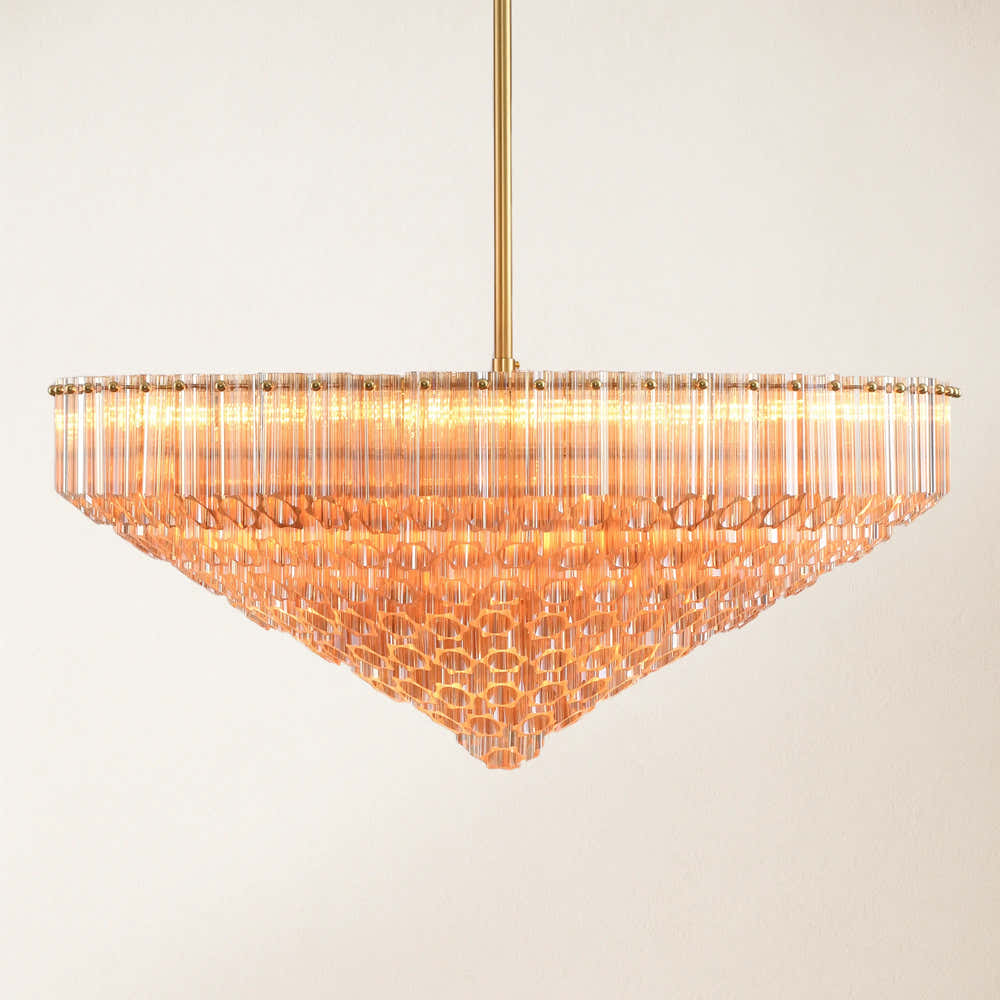


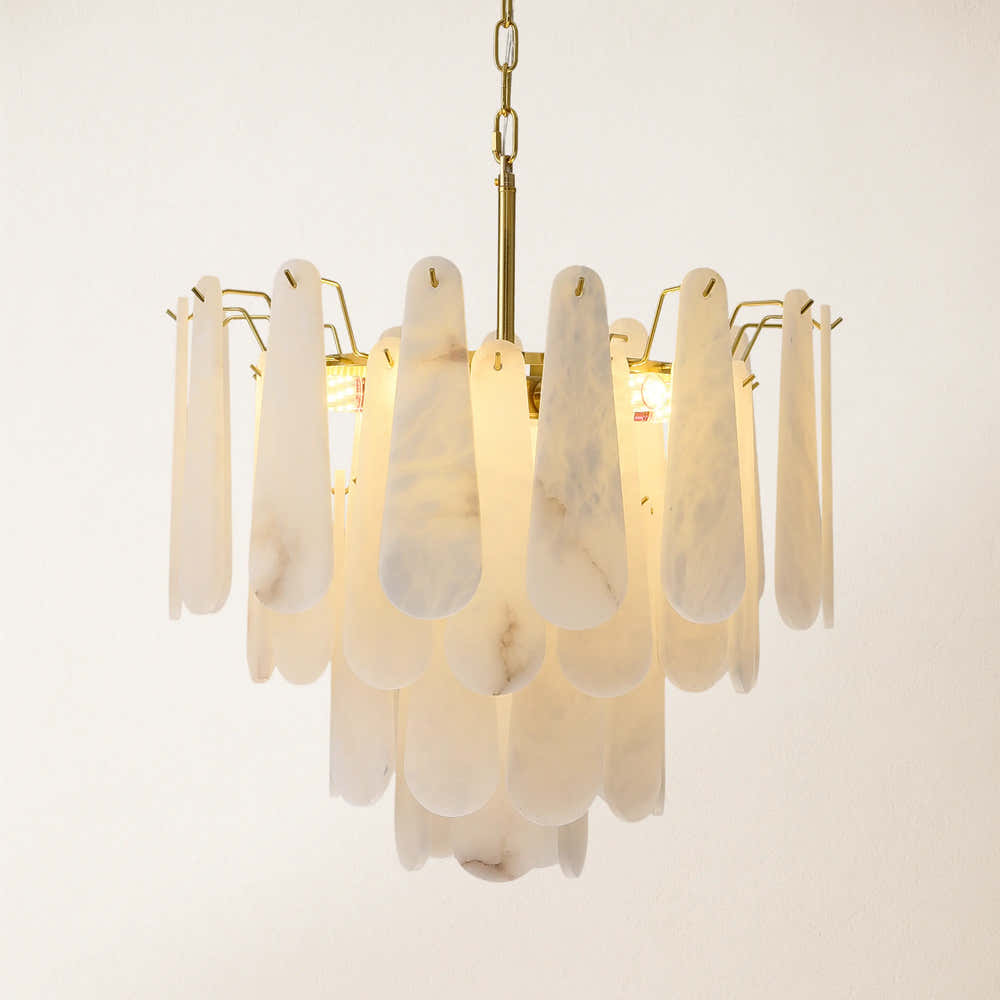
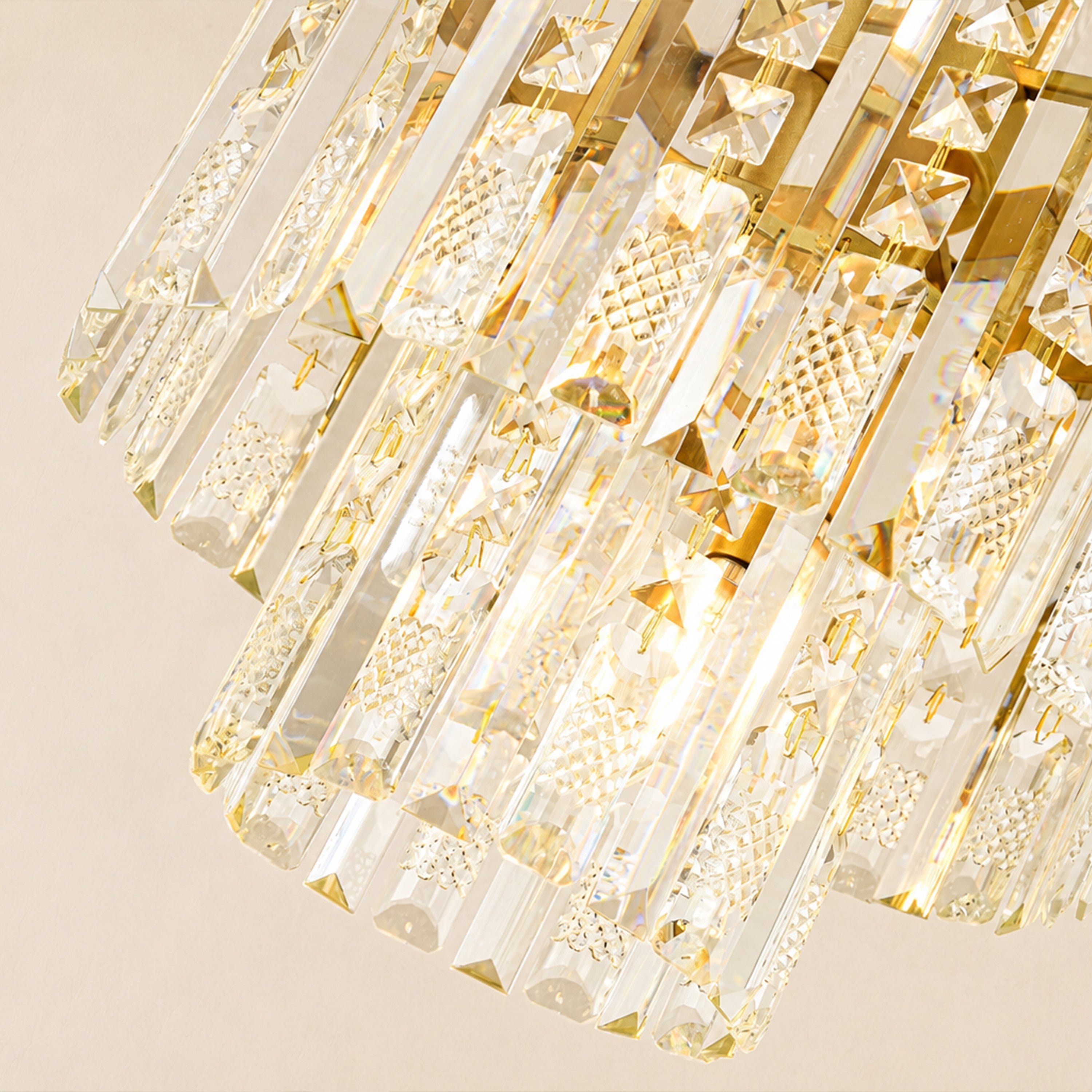
Ethereal Crystal Radiance Round Chandelier 30"D


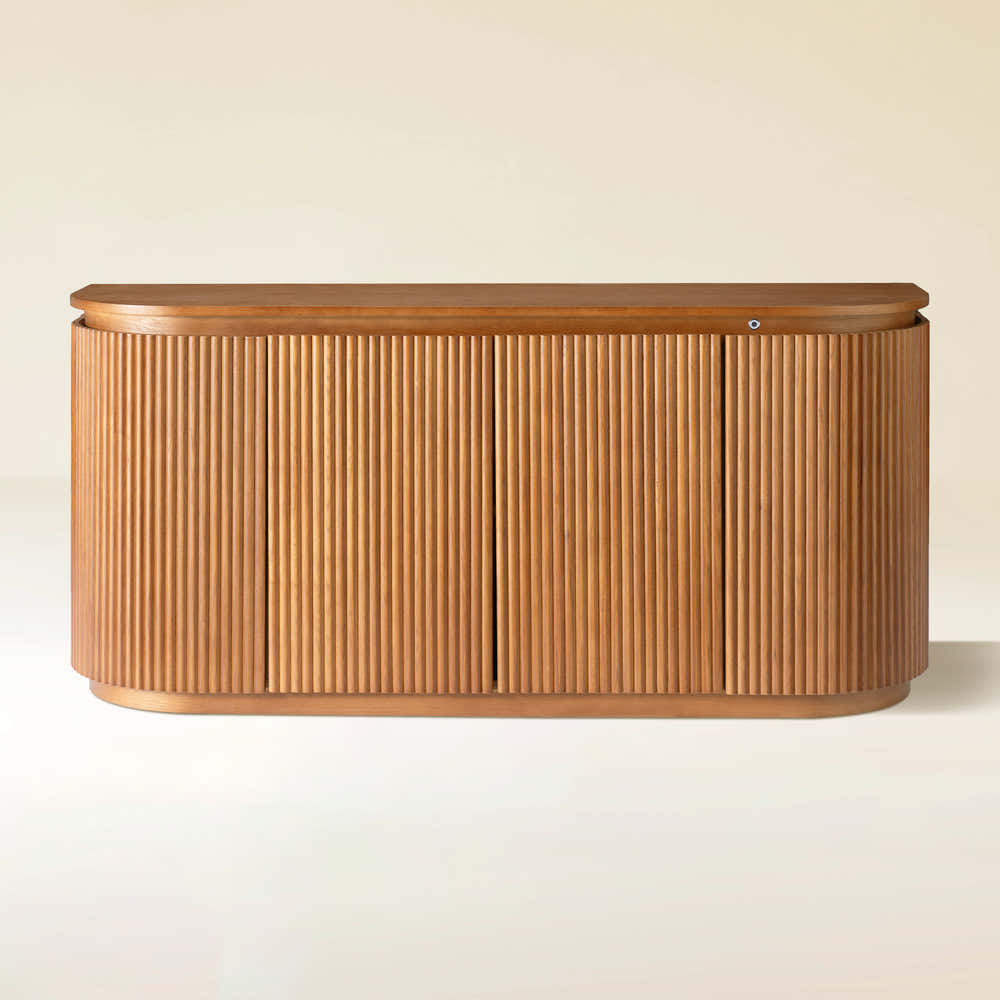
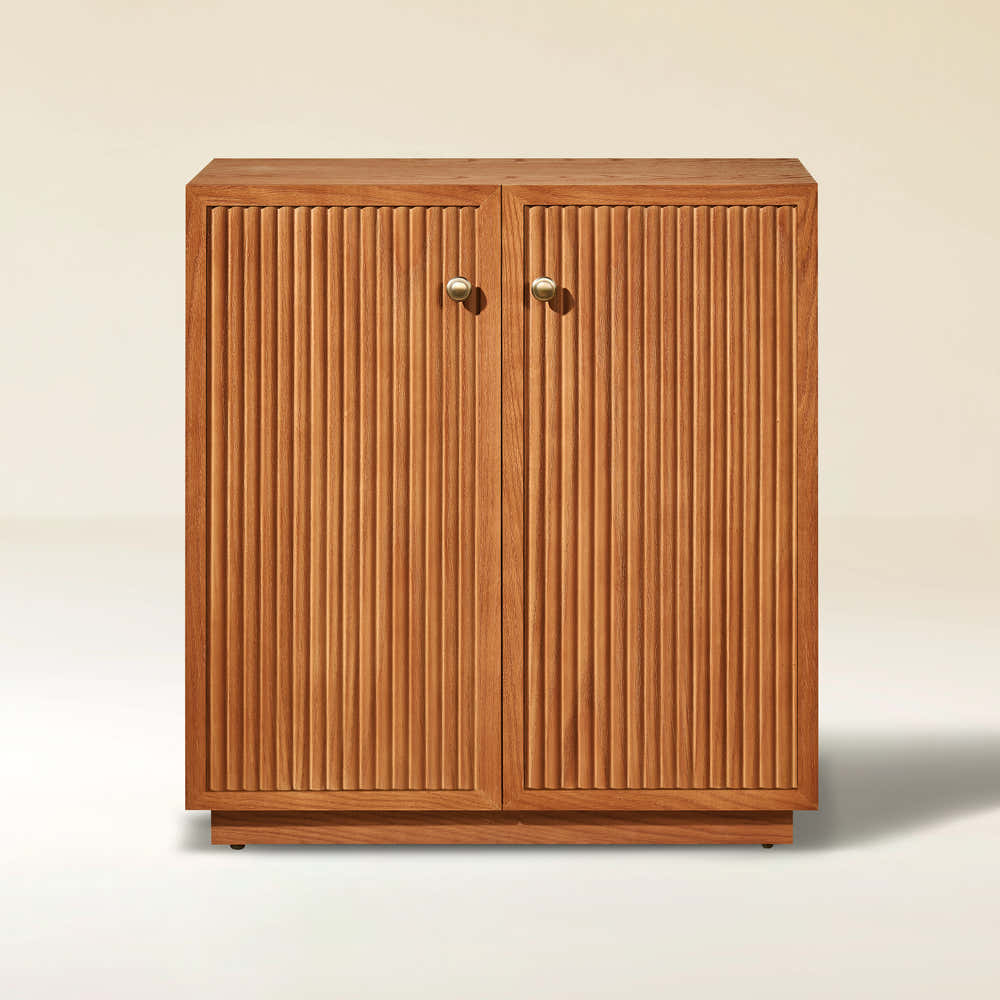
Ewan 63" Oak Slatted Sideboard Buffet Cabinet
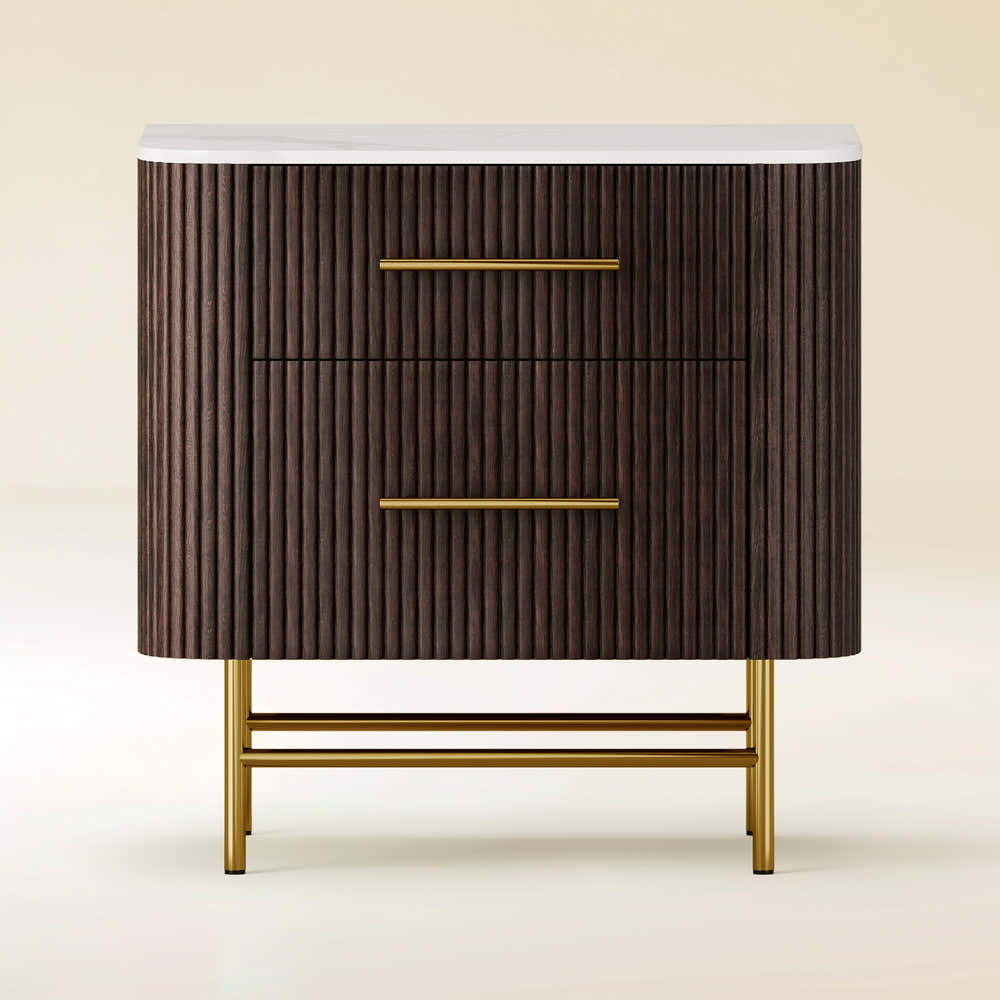


Ewan Sintered Stone Nightstand 26"W
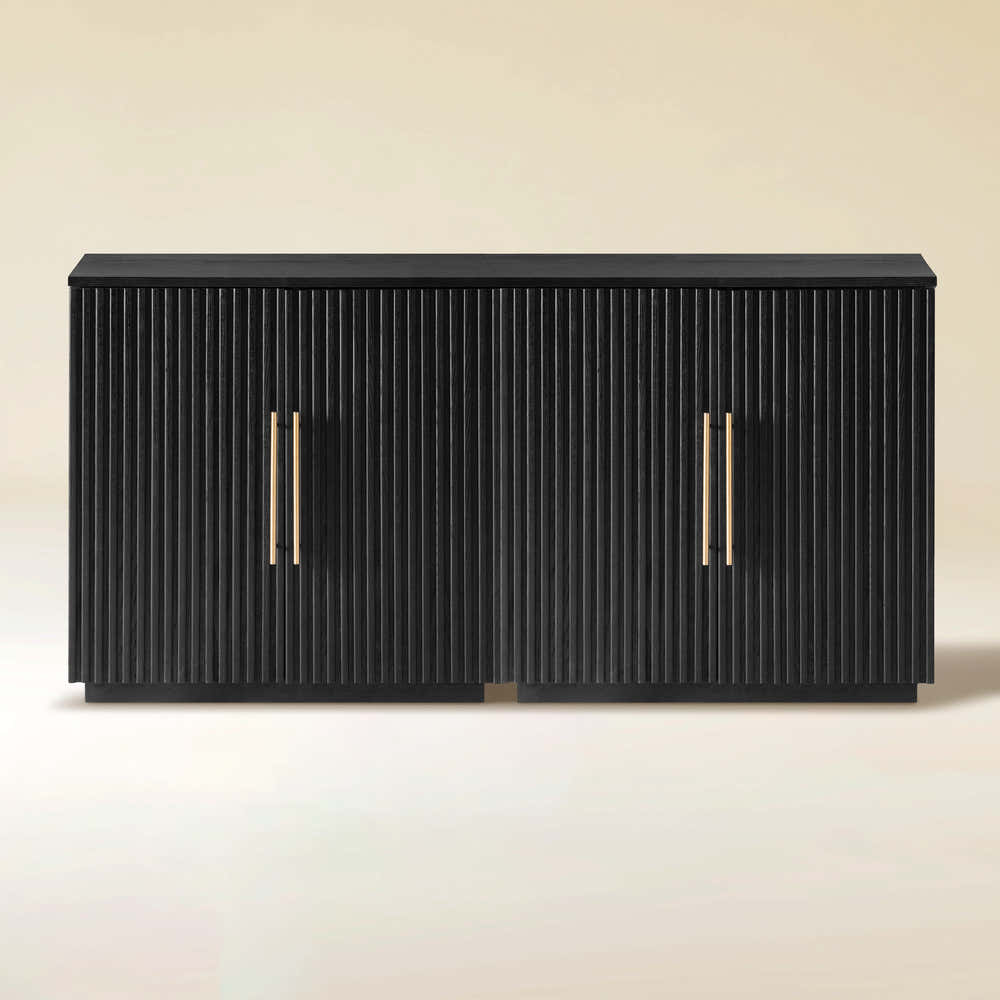


Holt 63″ Solid Oak Console(Set of 2)
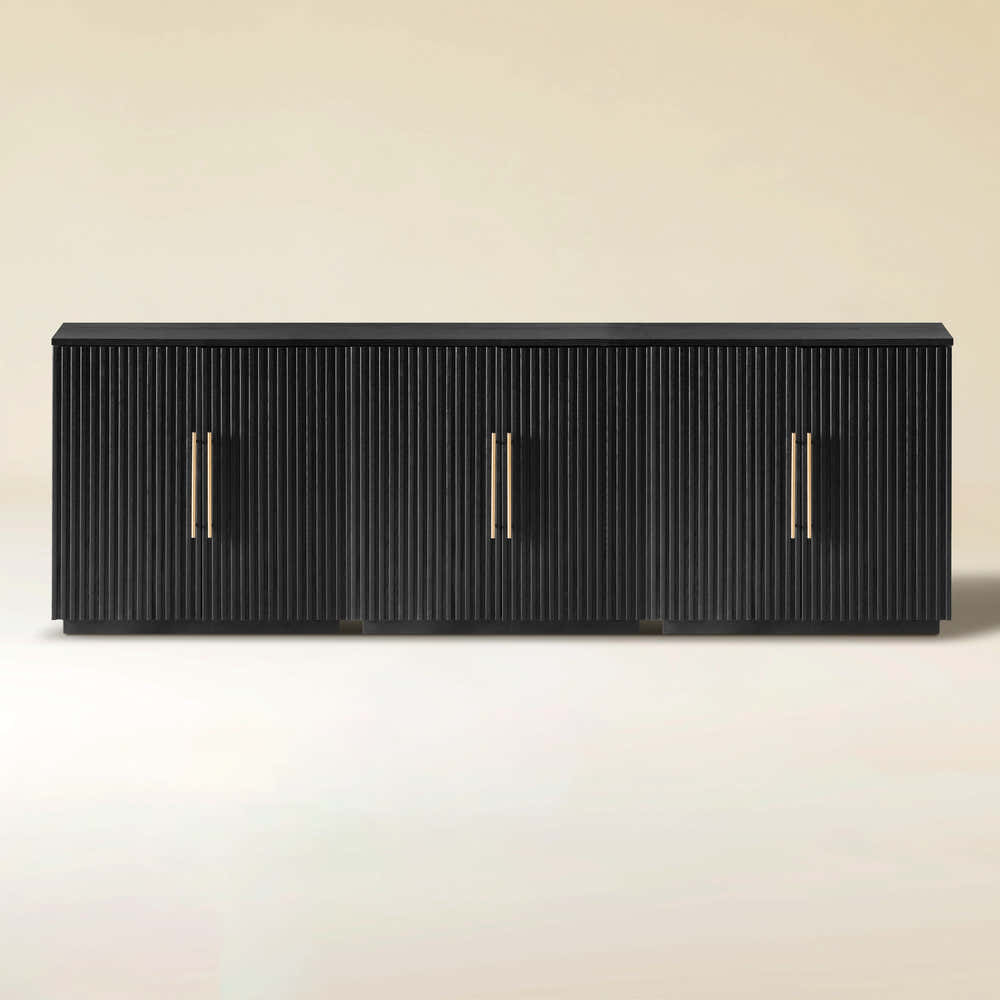


Holt 95″ Solid Oak Console(Set of 3)
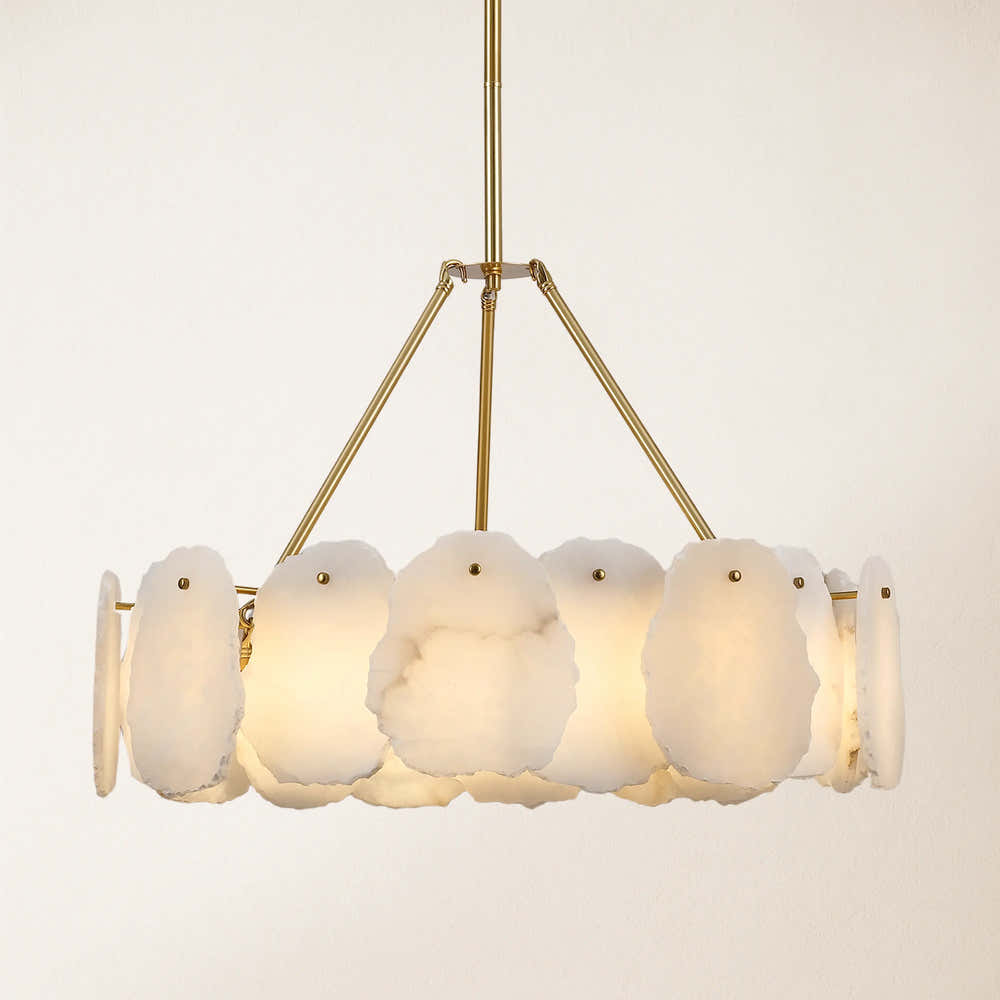


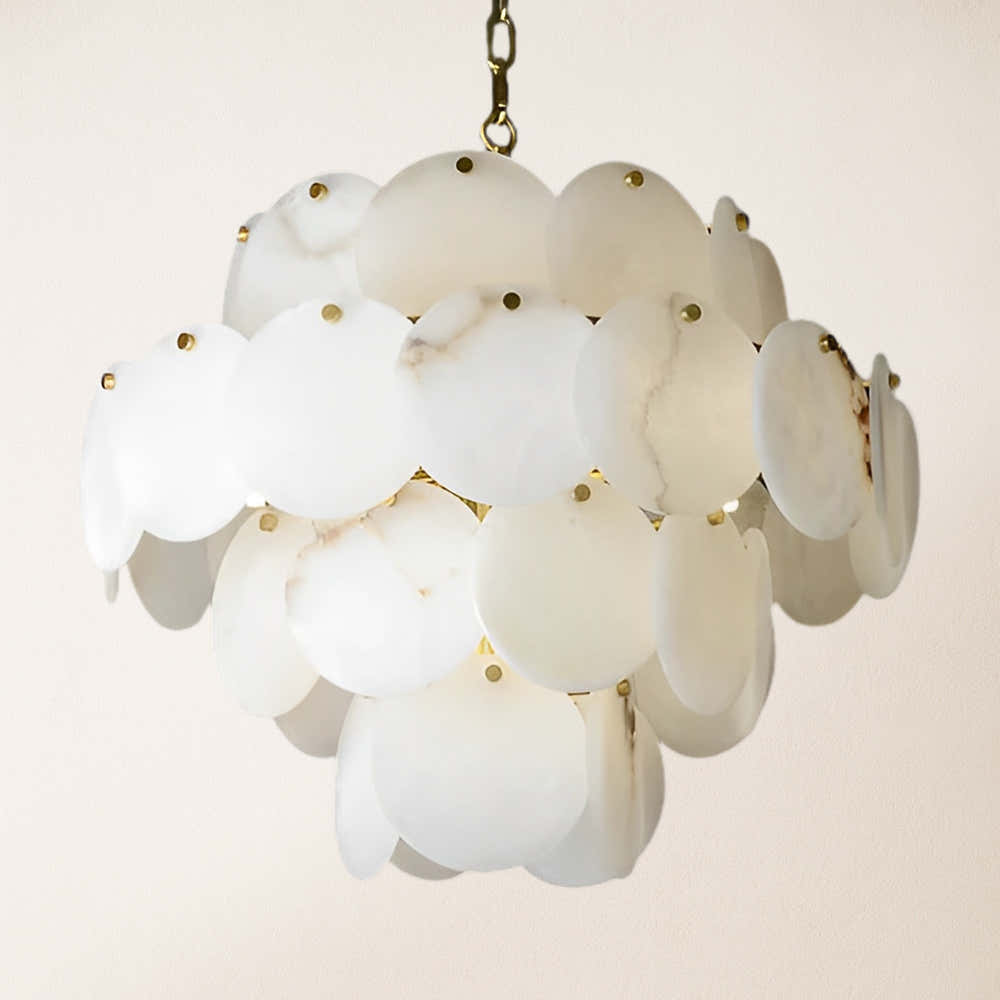
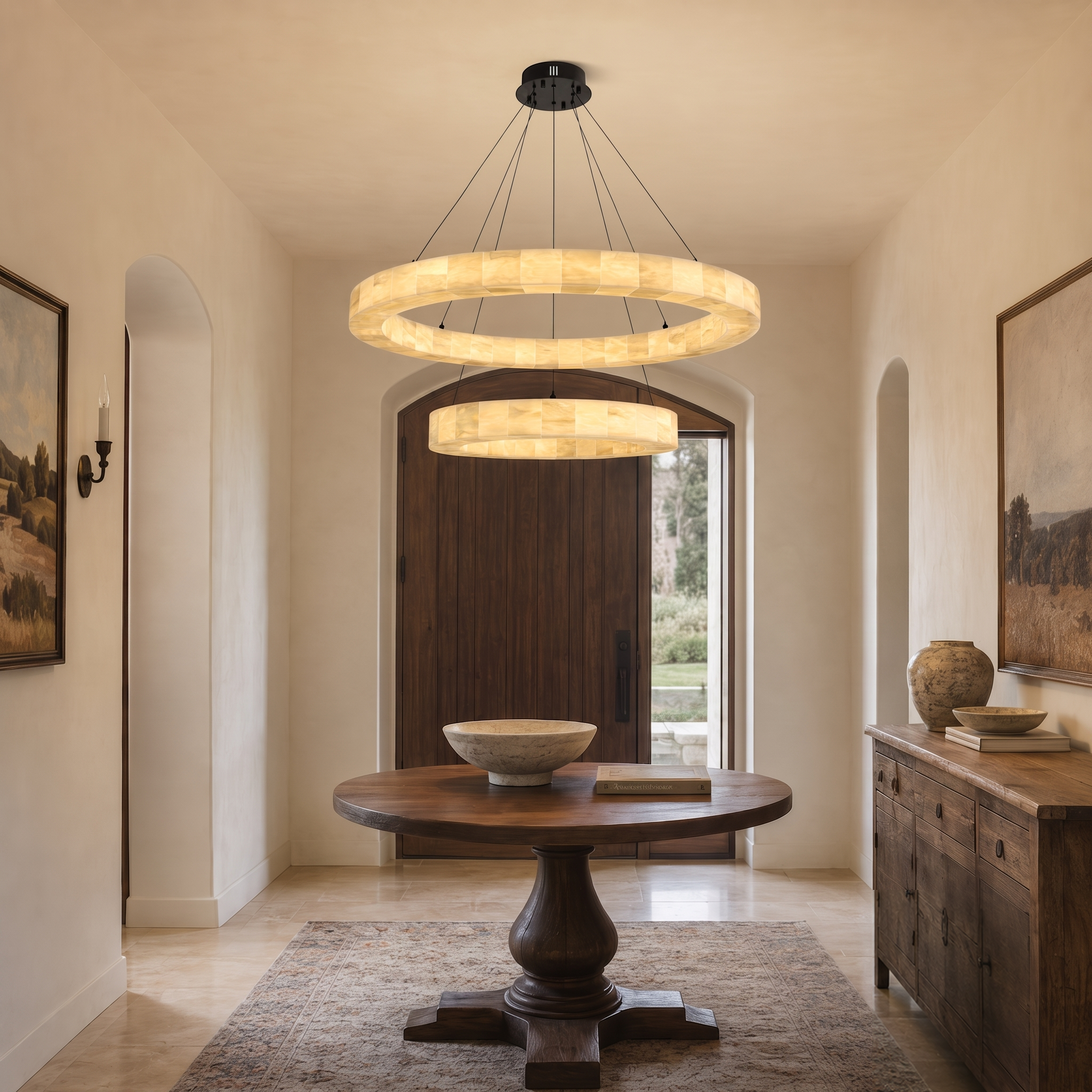
Moira Alabaster Round Chandelier 24"D
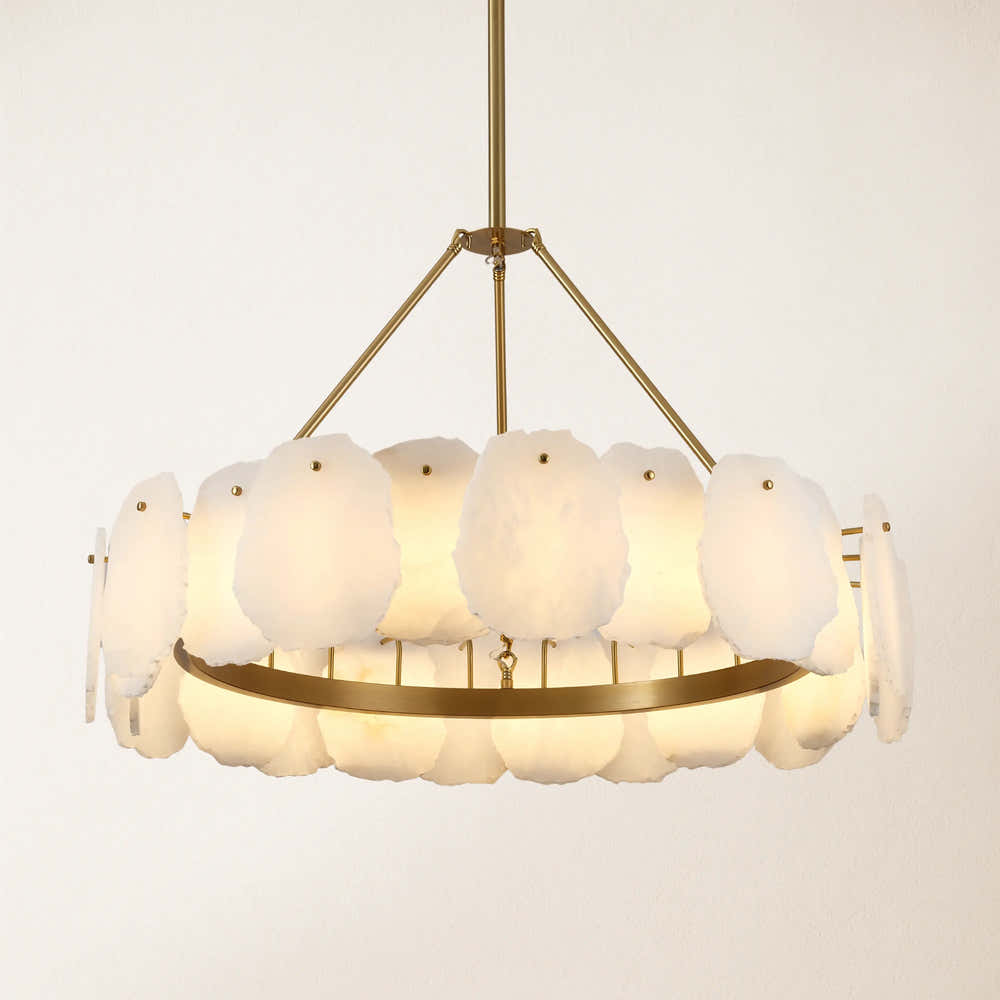


Moira Alabaster Round Chandelier 32"D
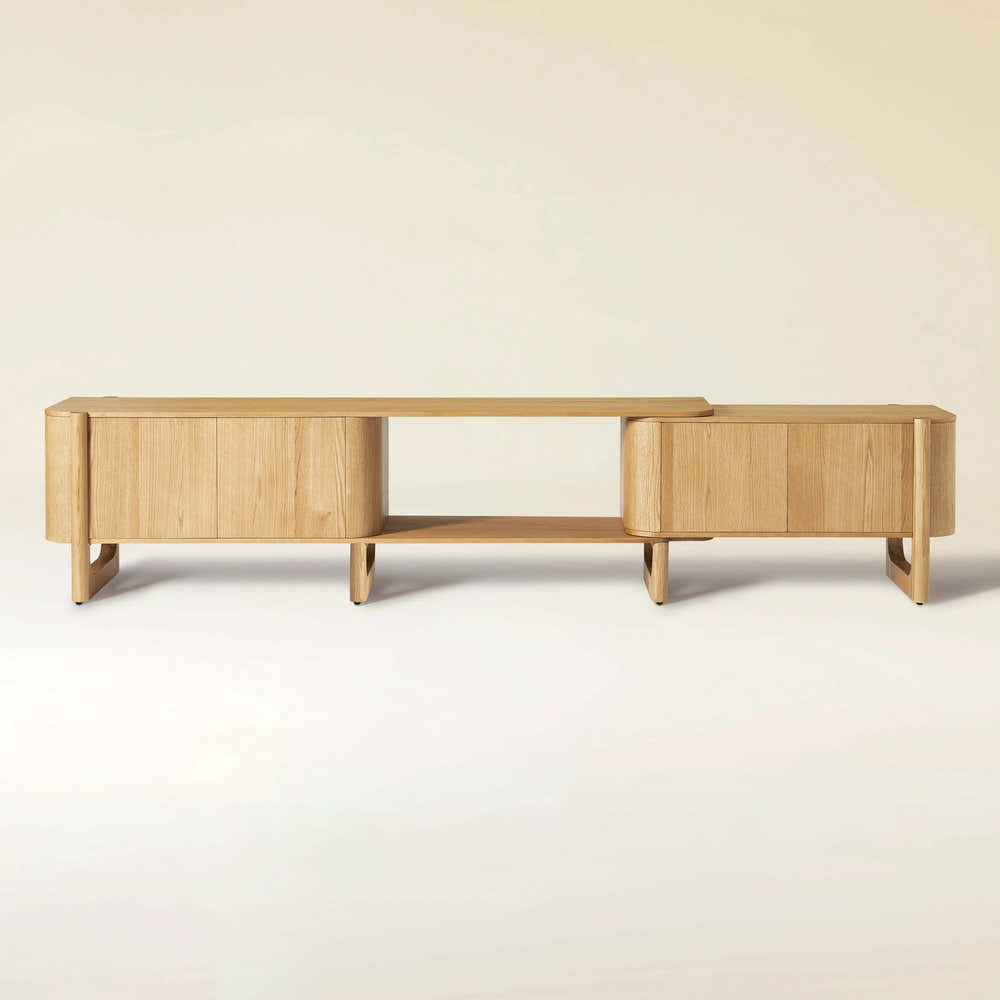
Silas Extendable TV Stand 203cm to 280cm
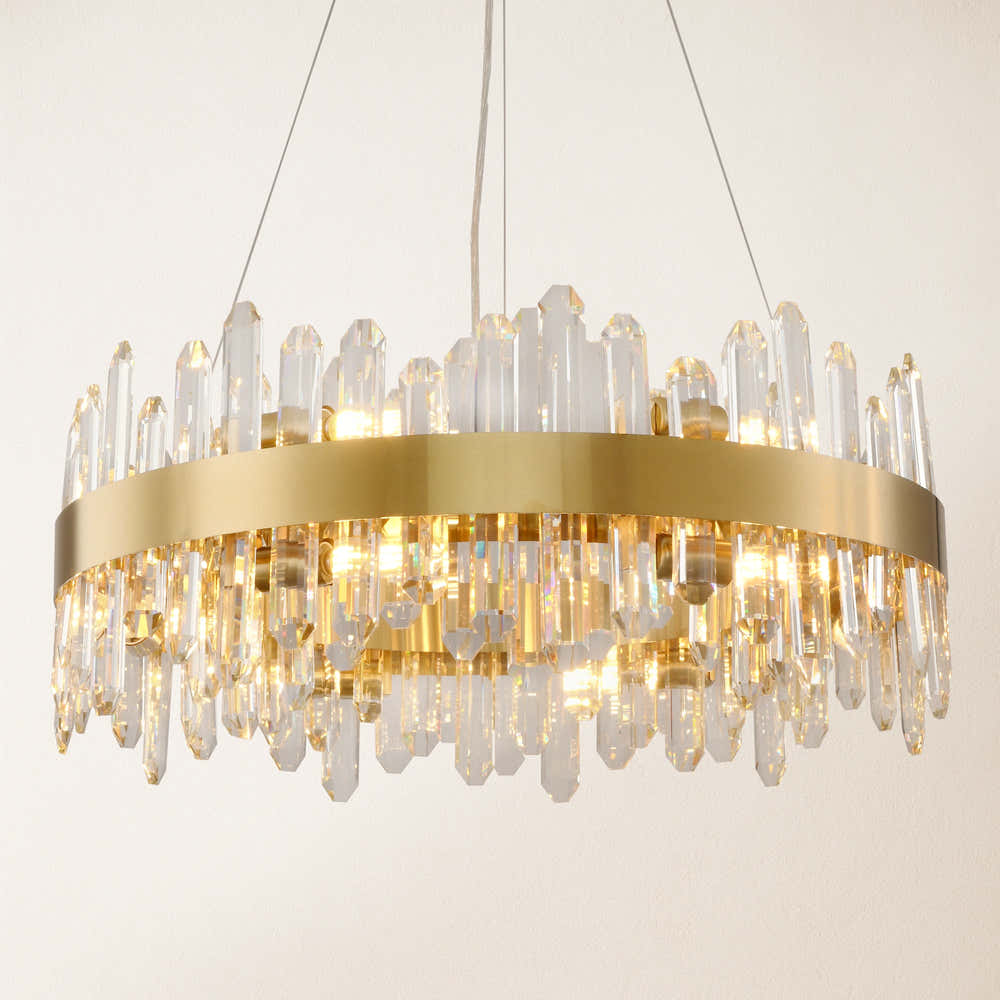
Stellara Crystal Strip Round Chandelier 24"D
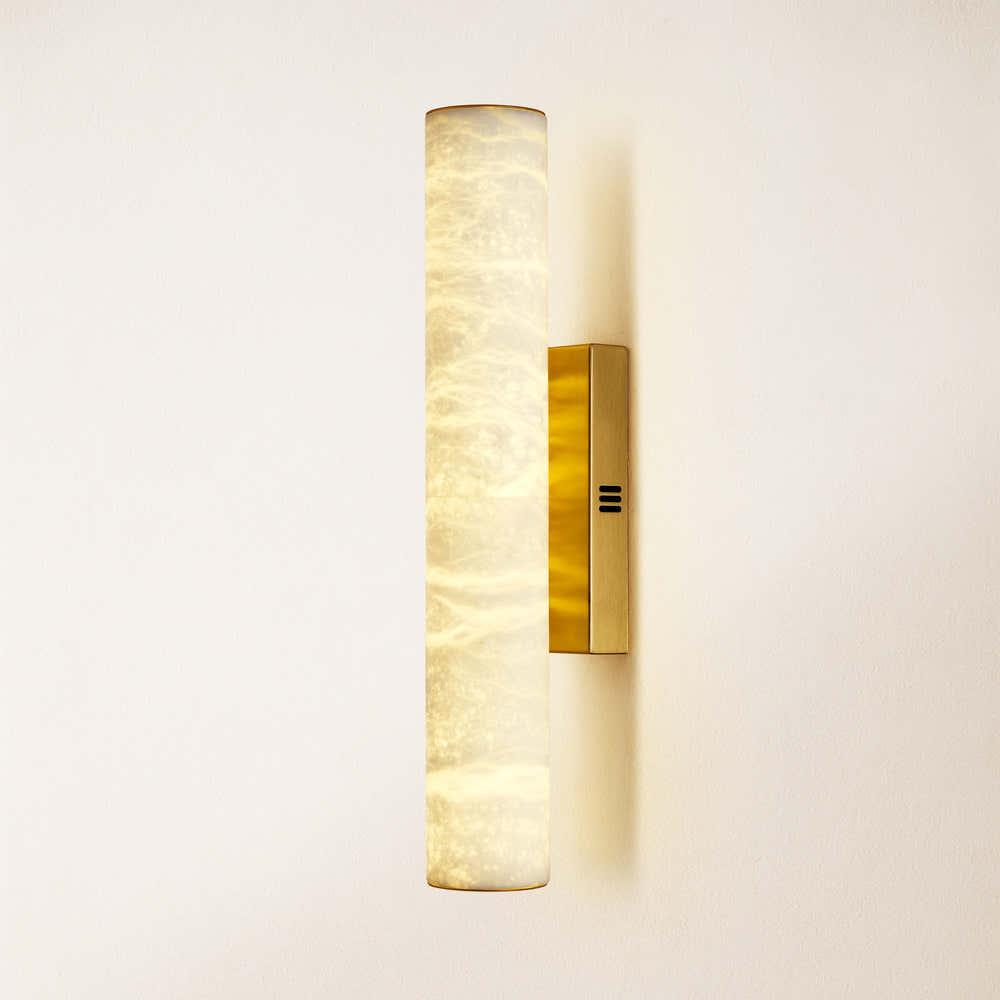


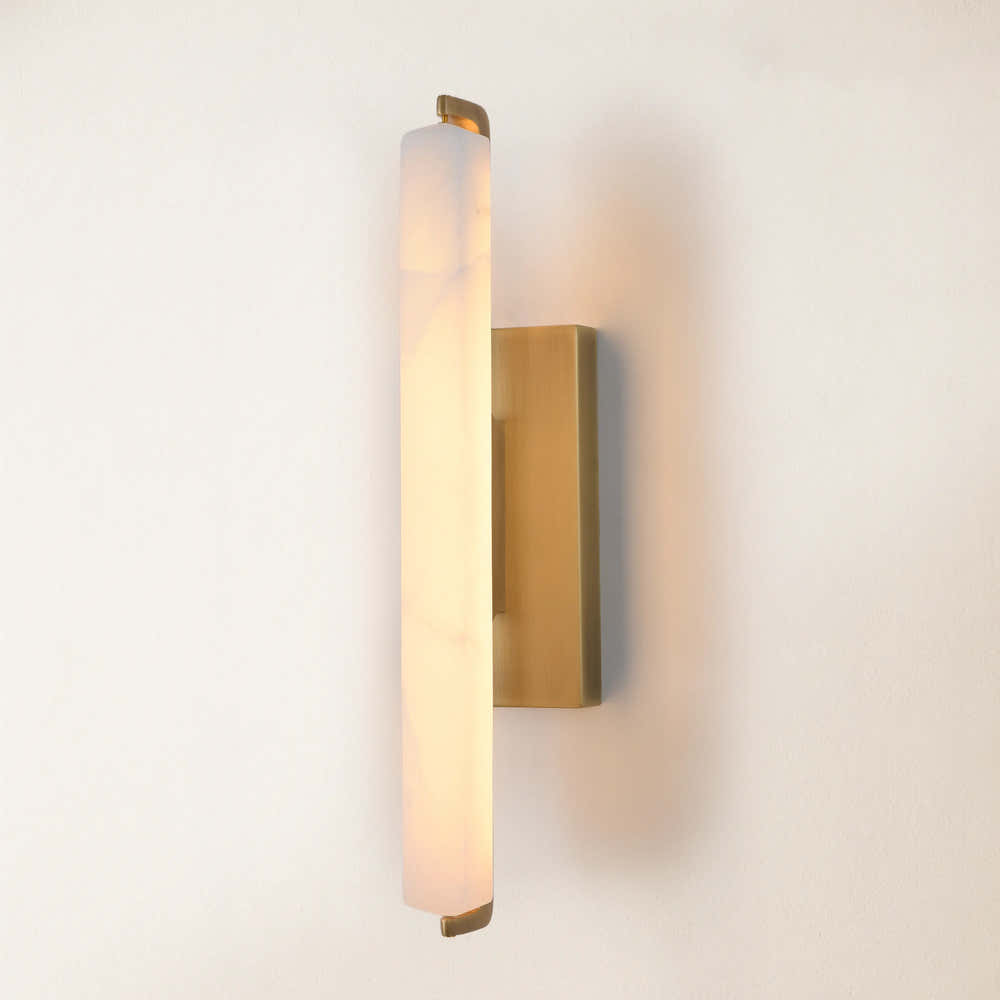
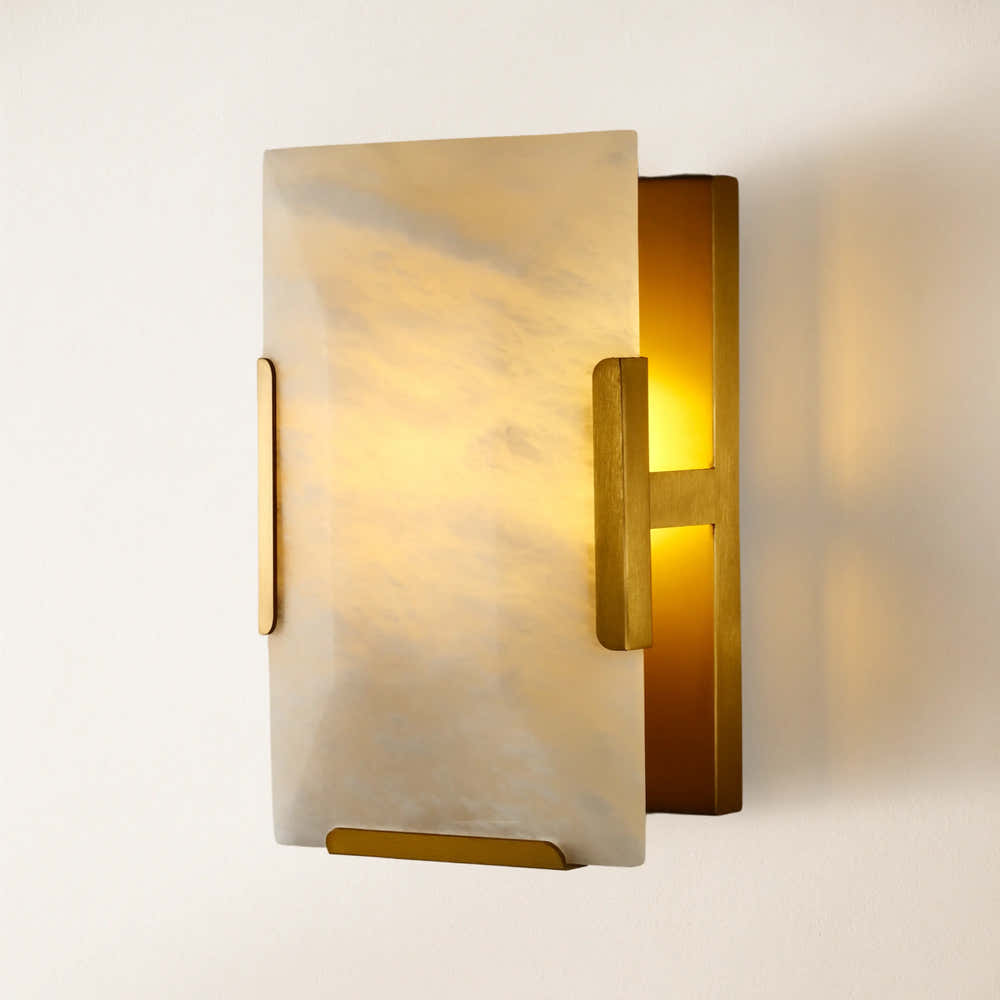
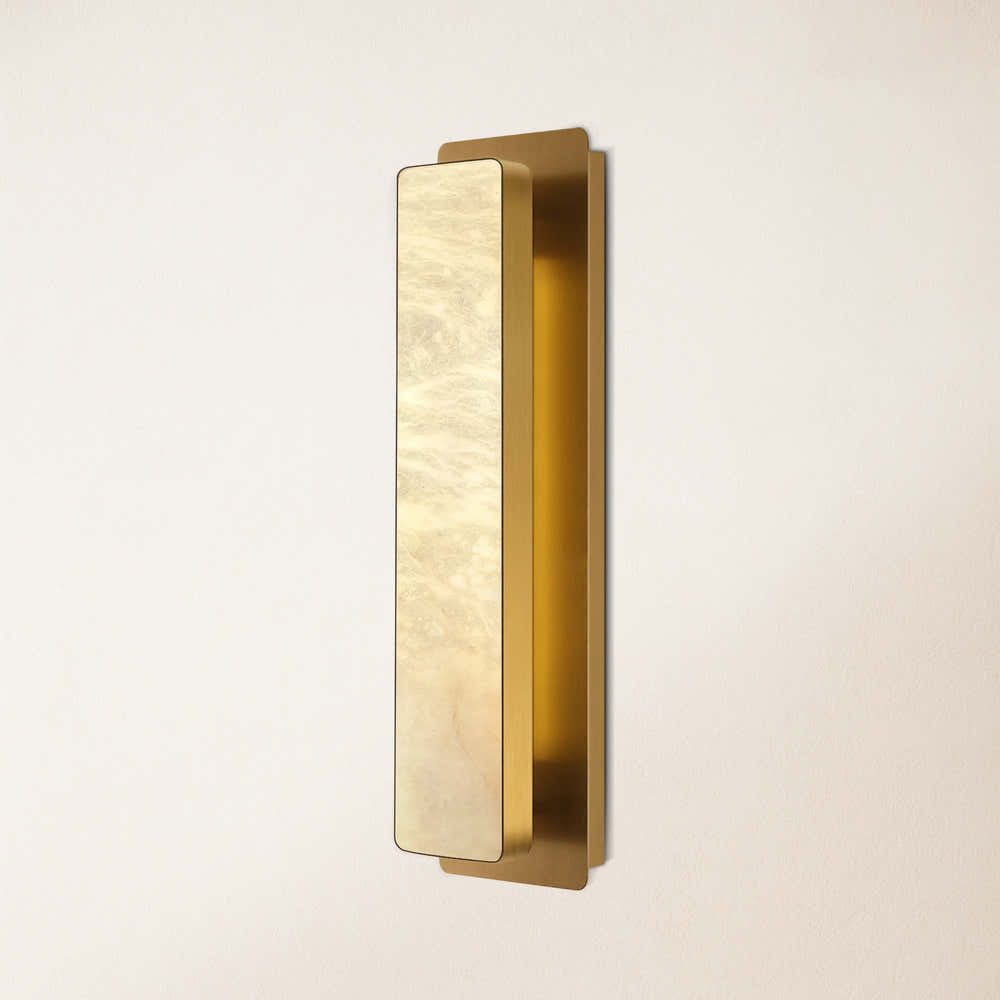
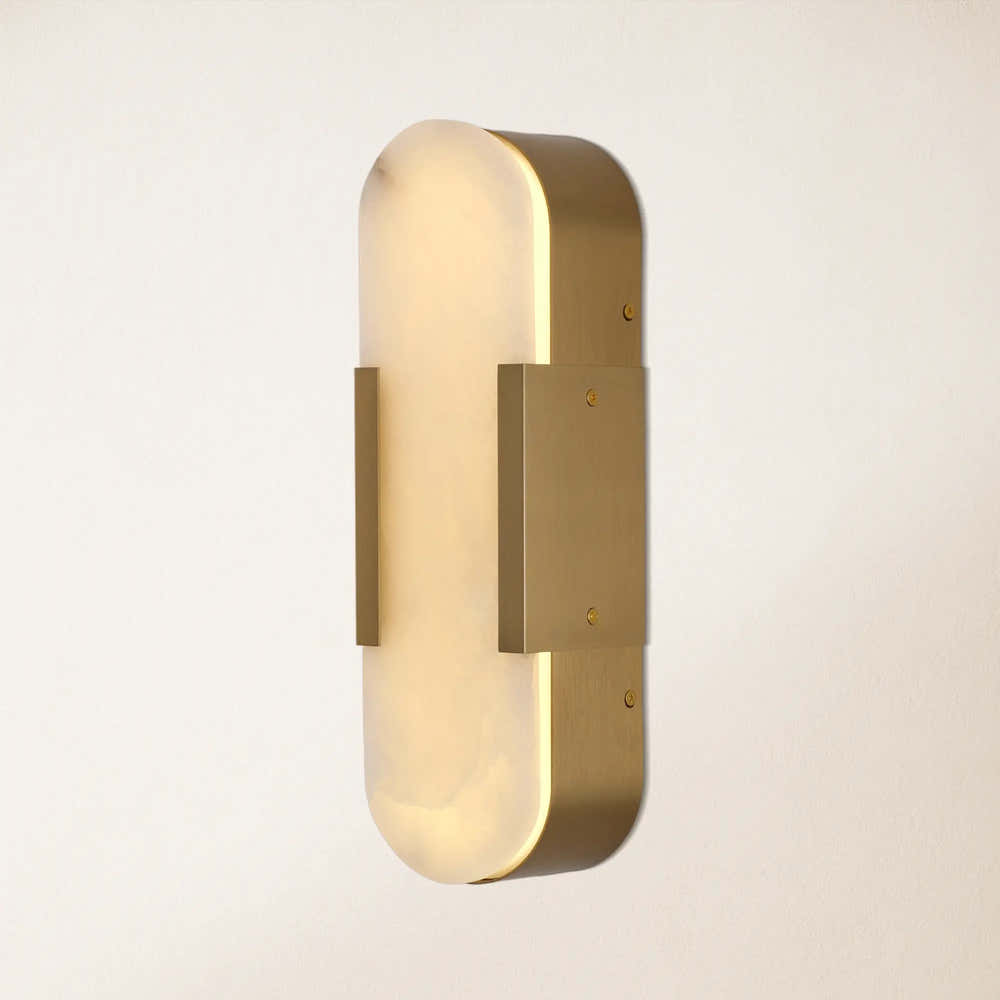
Sylvia Palladian Alabaster Wall Sconce 20"H
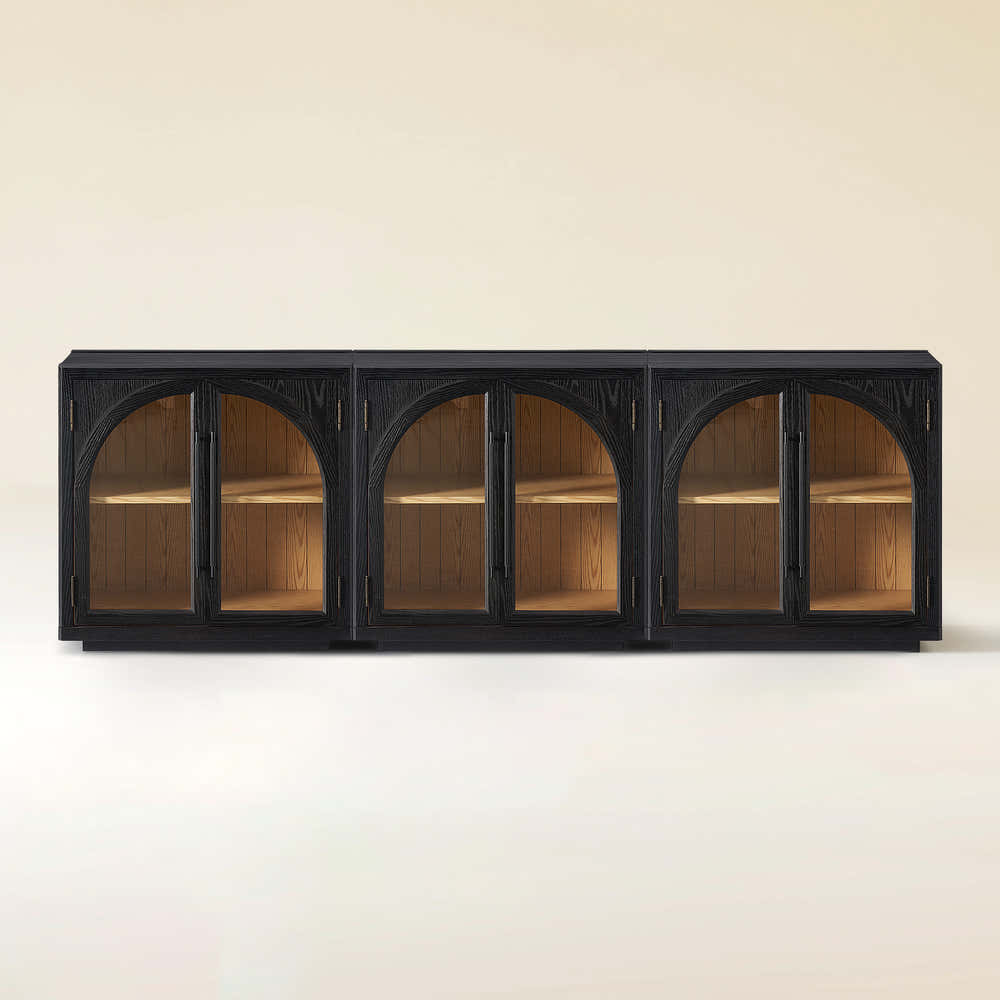


Alvar Arched 91″ Oak Media Console(Set of 3)
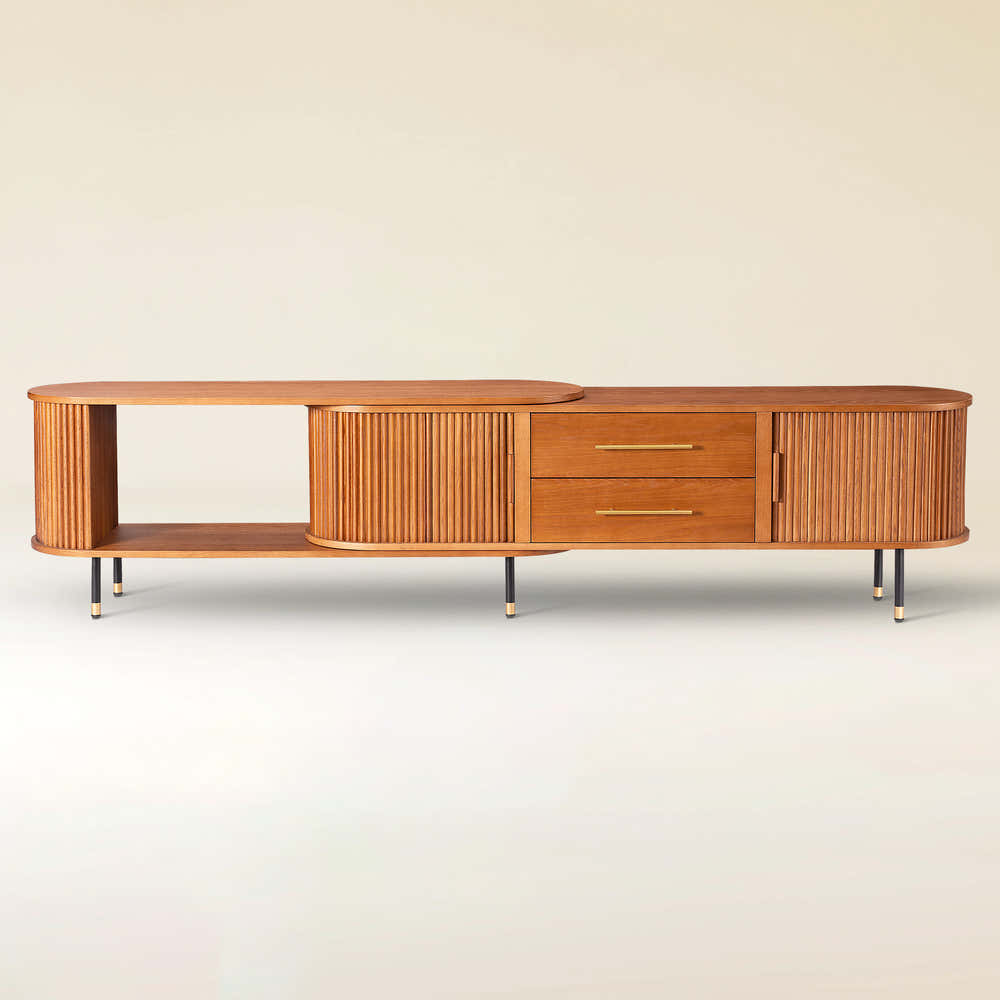
Ewan Oak Extendable Media Console 79" to 110"
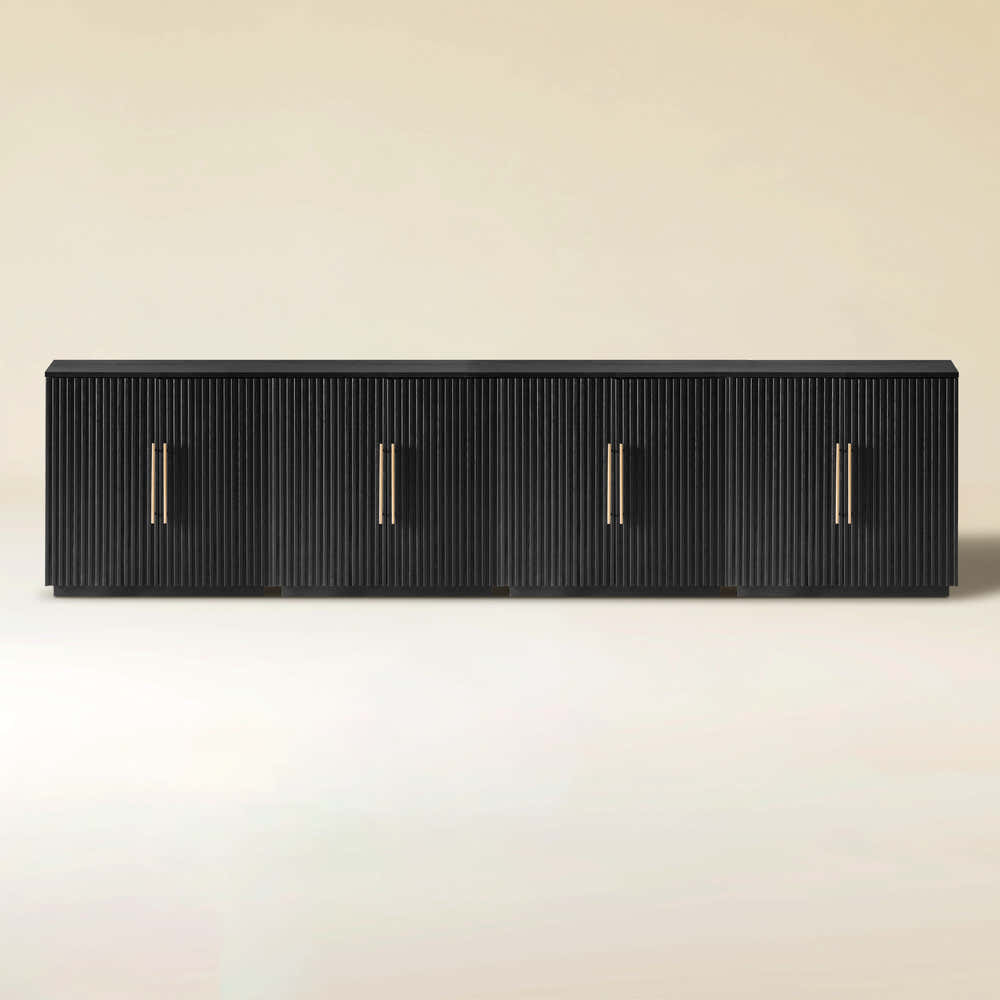


Holt 126″ Solid Oak Console(Set of 4)

FSC FCOC47059 . FSC is dedicated to the promotion of responsible forest management
worldwide. By selecting this product, you help take care of the woorld's forests

UL-certified for indoor drying environments not directly exposed to excessive moisture or water;
Use in the United States and Canada.

Certified to Dry ETL electrical standard: suitable for use indoors in dry locations not directly exposed to excessive moisture and water
Use in the United States

CE-certified drying equipment compliant with electrical standards: Suitable for indoor drying environments not directly exposed to excessive moisture or water;
Tested for use in Europe, the UK, and other regions.


The support center has answers to questions you may have. You can also contact customer service in the support center if you can't find what you're looking for.
Support Center >
At houlte, we are committed to delivering quality, style, and great value to our customers. Our goal is to simplify your shopping experience by providing competitive prices and exceptional service.

If an item you purchased from houlte goes on sale on our website within 30 days of your purchase date, you may request a price match. This policy ensures you always receive the best value when shopping with us.
Houlte reserves the right to interpret and adjust the terms of the Price Match Policy as necessary.
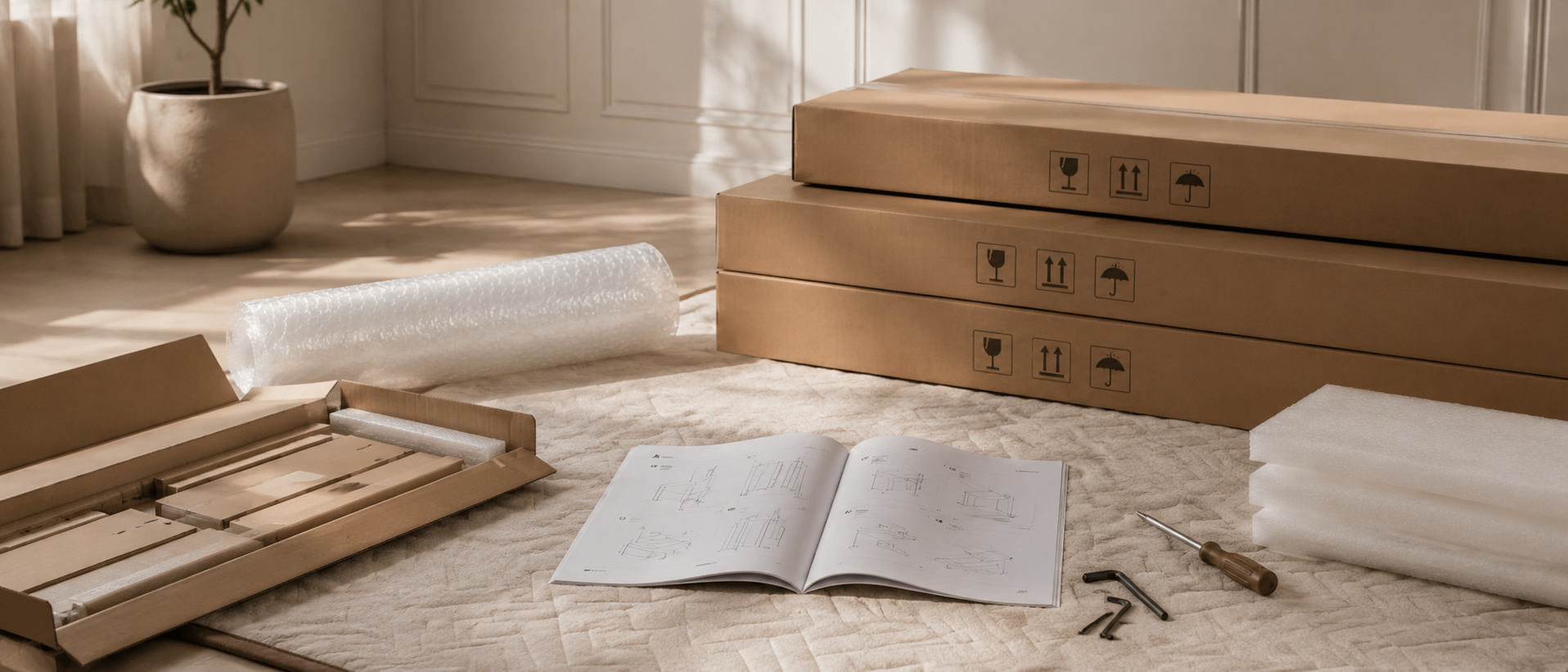
Houlte has partnered with Taskrabbit to make your everyday life at home easier by connecting you with flexible and affordable ways to get your to-do’s done including furniture assembly and mounting.

1. Purchase your furniture at Houlte.
2. Check your order Dispatched and Delivered email and click the
Houlte link. You will be redirected to Taskrabbit's landing page.
3. Post your task on Taskrabbit platform.
4. Pick the best tasker to assemble your furniture.
Houlte has partnered with Taskrabbit to make your everyday life at home easier by connecting you with flexible and affordable ways to get your to-do’s done including furniture assembly and mounting.
Taskrabbit Assembly is available in most metro areas in the US. The availability of Taskers varies based on demand. When placing an order on Taskrabbit, you will need to enter your zip code. If the service is not supported in your area, you will not be able to place an order.
You can book assembly for your Houlte furniture as early as the next day after your delivery, and up to 14 days in advance, giving you flexibility to choose a time that works best for you.

Ready to use out of the box; minimal installation may be required (e.g., handles).

Main structure is pre-built; minor components require attachment (e.g., legs).

Assembly required; multiple parts must be assembled before use.
Our furniture is built with a combination of core boards, real wood veneers, and selected solid wood parts. Each material is used for a different purpose—structure, surface appearance, or visible strength—so the final piece feels balanced in performance, finish, and cost.
Core boards form the internal foundation of the furniture. They provide structure, stability, and efficiency across large surfaces and cabinet bodies.

Stable structural board

Smooth and consistent

Functional internal board
Selected solid wood parts are used where visible strength, tactile quality, and structural integrity matter most—such as legs, frames, trim, and exposed support details.

Durable and classic

Light and versatile

Premium and elevated
Shopping for living-room storage should be simple—until you hit the “TV stand vs. TV console vs. media console” wording maze. Retailers often use these labels interchangeably, but the pieces can behave very differently in your room: how they handle cables, how much they visually “anchor” a wall, whether they hide clutter, and whether they safely support today’s larger screens.
This guide clarifies what each term usually means, what actually matters (hint: dimensions and layout), and how to choose the right option for your space and lifestyle—without getting trapped by marketing language.

A TV stand is the broad, everyday label for furniture designed to hold a television at a comfortable viewing height and provide at least some device/storage space. It can be:
In other words, most TV consoles are also TV stands, because they do the core job: support the TV + manage gear.
A TV console (often “media console”) typically implies a longer, lower, more horizontal piece—closer to a credenza or sideboard in proportions. You’ll often see:
There’s no global industry rule that a “console” is automatically higher quality; it’s mainly a style + proportion signal.
An entertainment center usually includes vertical towers or an upper hutch around the TV. It’s more imposing, can add lots of storage, but can also feel heavy in small or modern minimalist rooms.
People often feel a difference even when the product category is blurry:
As TV sizes have increased over the last decade, the long, low console look has become more popular because it visually balances a larger screen and makes the TV wall look intentional rather than “TV on a random table.”
Below is a practical, shopper-focused comparison—what you’ll notice in real homes, not just catalog descriptions.
| Feature | TV Stand (Typical) | TV Media Console (Console-Style) | Best For |
|---|---|---|---|
| Overall footprint | Often smaller, more flexible | Usually wider/longer and lower | Small rooms vs. long walls |
| Visual presence | Can feel lighter, more “utility” | More substantial, furniture-like, “anchored” | Minimal setups vs. statement TV wall |
| Storage type | Often more open shelves | More doors/drawers + fewer visible items | Gamers (open access) vs. families (hidden clutter) |
| Cable management | Varies; sometimes minimal | Often better routing, multiple compartments | Multi-device setups |
| Ventilation for consoles/receivers | Often better if very open | Must be designed well (open bays or vented backs) | High-heat electronics |
| Cleaning | Easier to access if open | Cleaner look, but doors/drawers to manage | Dust-prone homes vs. tidy aesthetic |
| Soundbar placement | Usually straightforward on top shelf | Often designed with a long open bay | Soundbar users |
| Assembly & moving | Often lighter, quicker | Often heavier, more parts | Renters vs. long-term homes |
| Price range (typical) | Broader; many budget picks | Often higher due to size/hardware | Budget vs. investment furniture |
| Style alignment | Can be anything | Common in mid-century modern, modern, Japandi | Style-driven rooms |
A simple rule that works in most rooms:
Why it matters: if the TV “overhangs” the furniture, the setup can look top-heavy and feel less secure, even if weight capacity is technically fine.
Ergonomics is the difference between a cozy movie night and a stiff neck.
A widely used target: the center of the screen at seated eye level (or slightly above). In many living rooms that ends up around 40"–45" from the floor, but your sofa height matters.
How to check quickly:
If you plan to wall-mount, you can go lower with the console and mount the TV at the ideal height.
Depth is where people get burned—especially with wide pedestal bases.
Measure the base footprint, not just the screen size, and ensure the base sits fully on the top surface (no wobble, no partial contact).
The best storage layout depends on how you live:
Many of the best pieces are mixed: open center bays for devices + closed side cabinets for everything else.
A truly livable setup usually has:
If you stream, game, and use a soundbar, cable design isn’t a “nice-to-have.” It’s what prevents the rat’s nest you’ll hate every time you add one device.
Receivers, game consoles, and streaming boxes generate heat. Look for:
If you must put a hot device in a closed cabinet, consider whether the door style or back panel allows airflow. (Many “beautiful” consoles fail here.)
If you have kids, pets, or a high-traffic room, prioritize:
Tip-over hazards are real, and safety agencies like the U.S. Consumer Product Safety Commission (CPSC) have long advised anchoring dressers/large furniture and reducing tip risks. Treat a big-screen setup with the same seriousness.
Choose a TV stand (compact or mid-size) when:
Your wall is short or you have tight walkways
A long console can crowd the room and make circulation annoying.
You move often
Lighter, smaller pieces are easier on stairs and through doorways.
You want maximum ventilation
Very open stands can be excellent for hot electronics.
Your setup is minimal
One streaming box + a soundbar doesn’t always need a large console footprint.
Budget is tight
You can still get a good-looking, stable stand—just be picky about construction and wobble.
Choose a media console (console-style TV stand) when:
You have a large TV or a long wall
A wider piece visually balances big screens and makes the room feel designed.
You want the “clean wall” look
Consoles often hide clutter and reduce visual noise.
You need serious storage
Games, blankets, kids’ stuff, routers, camera gear—closed storage keeps life from spilling into your décor.
You’re styling the room, not just “placing a TV”
A console behaves like real furniture—more like a sideboard in the living room than a utility rack.
You plan to wall-mount the TV
A lower console under a mounted screen often looks high-end and keeps the setup airy.
Ignore vague phrases like “premium” and look for these tangible indicators:
A console is often longer than a basic stand—so sag resistance matters. If the center span is wide, look for center supports or a structural design that prevents bowing over time.
Mid-century modern, Japandi, and minimal modern interiors especially benefit from the long, low console line.
If you already know you want the long, low media console look—especially for a larger TV wall—browsing a dedicated collection can save time because dimensions and proportions are more consistent across options. You can view Houlte’s TV media console selection here (single link):
https://houlte.com/collections/tv-media-console
(After that, come back to the measurement checklist below before you click “checkout.”)
Grab a tape measure and confirm:
Not automatically. “Console” usually describes shape and styling (long, low, credenza-like), not guaranteed quality. The better choice is the one that fits your TV size, wall size, storage needs, and ventilation requirements.
Often yes—if it’s deep and stable enough, the top supports the TV base fully, and you have a cable plan. The biggest problems are usually (1) no cable routing, (2) insufficient ventilation, and (3) top surface not deep enough for the TV base.
You don’t need one, but most people prefer having something below the TV for:
Enough that devices don’t trap heat. Prefer open bays or vented backs for high-heat gear. If you’re using an AV receiver, treat ventilation as a top-tier requirement, not an afterthought.
You have three common solutions:
“TV stand” is the broad category. “TV console” or “media console” usually signals a console-style TV stand—longer, lower, and more furniture-like, often with more closed storage. But the label won’t tell you what you actually need.
Choose based on:
If you want, tell me your TV size (inches), whether you’ll wall-mount, your wall width, and the devices you need to store—and I’ll recommend ideal console/stand dimensions and a layout (open/closed) that fits your setup.

Share:
How Much Should a Couch Cost in the U.S.? A 2026 Sofa Price Breakdown (Plus a Smarter Way to Shop for Long-Term Comfort)
Round vs. Rectangular Coffee Tables: Which Works Better (and How to Choose with Confidence)